Discover how Infmap works
Choose your user type to see a personalized walkthrough of the platform
For Influencer
Content creators
Registration
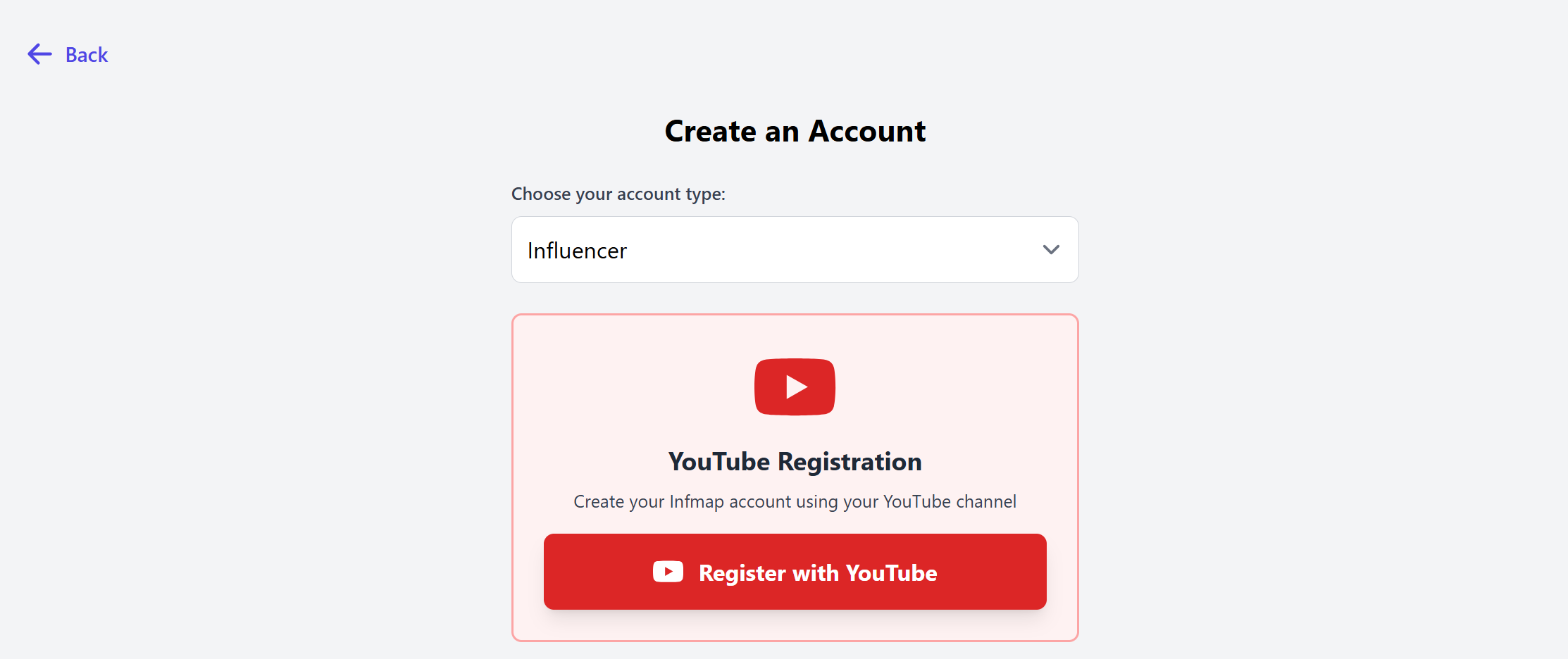
Start with creating an account

Select "Influencer" and choose your social network
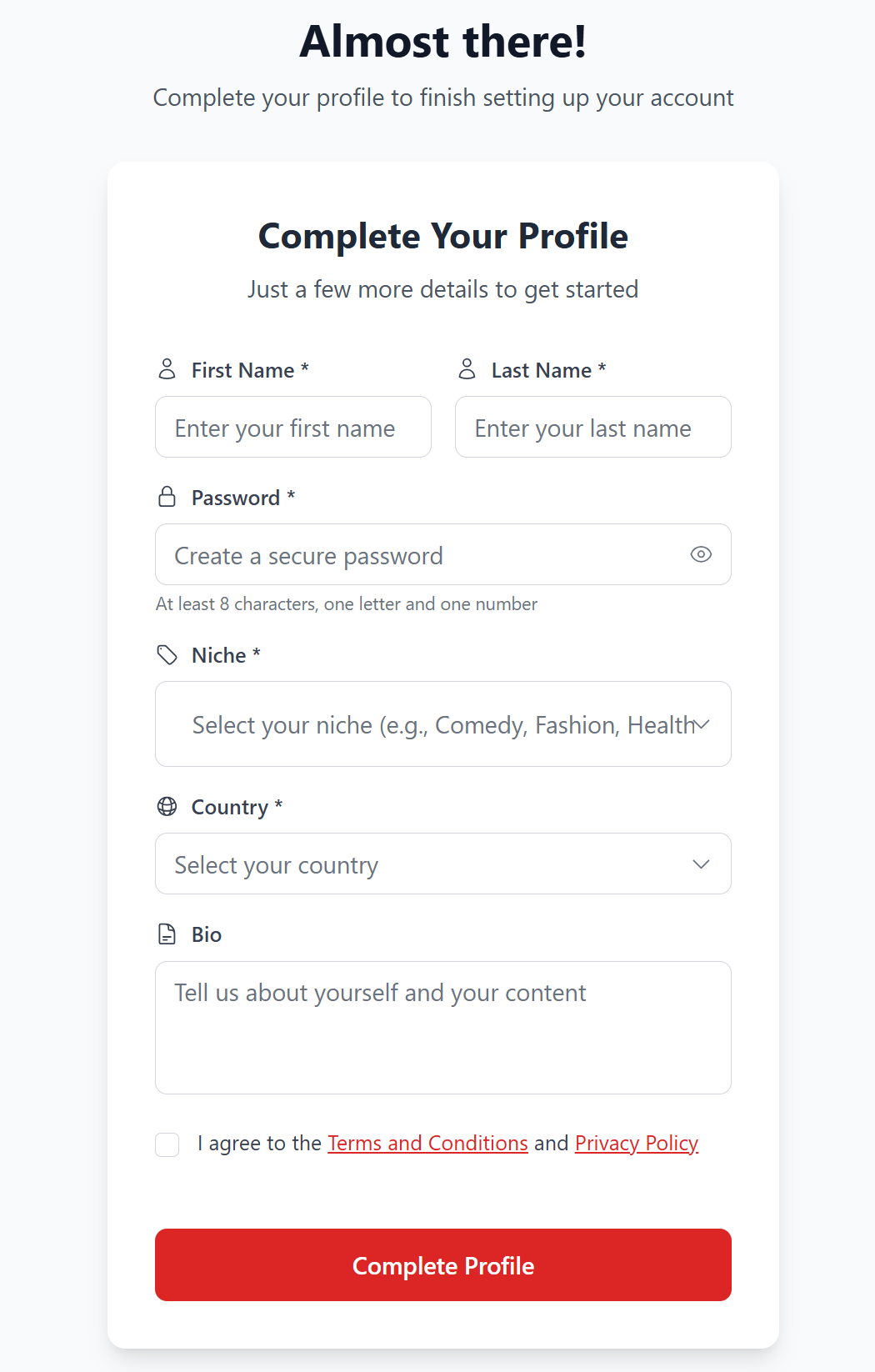
Fill in the following form
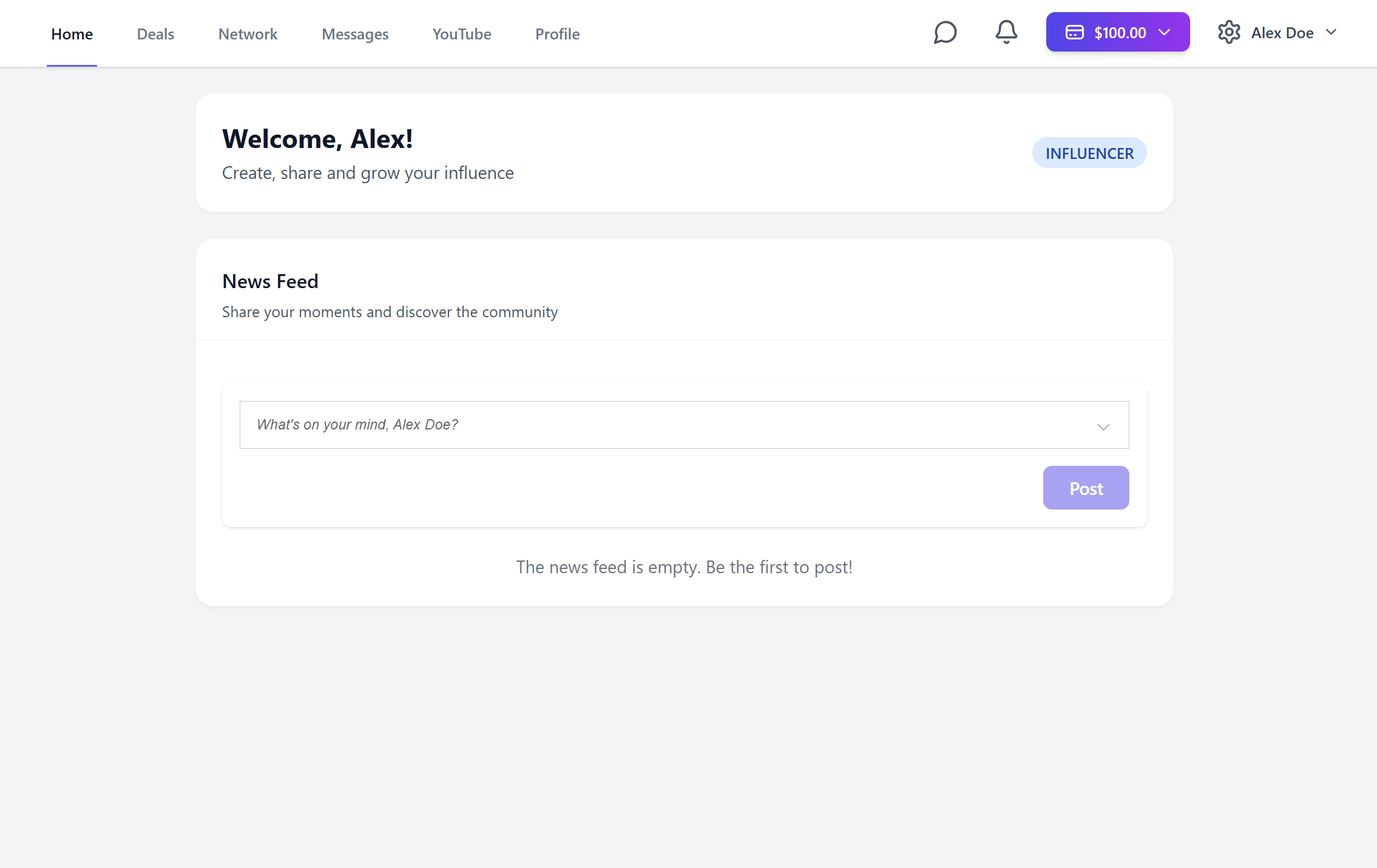
And welcome to Infmap!
Deals
Infmap's main advantage is the ability to make deals seamlessly. To do this, you must first add your client to your network before you can contact them.
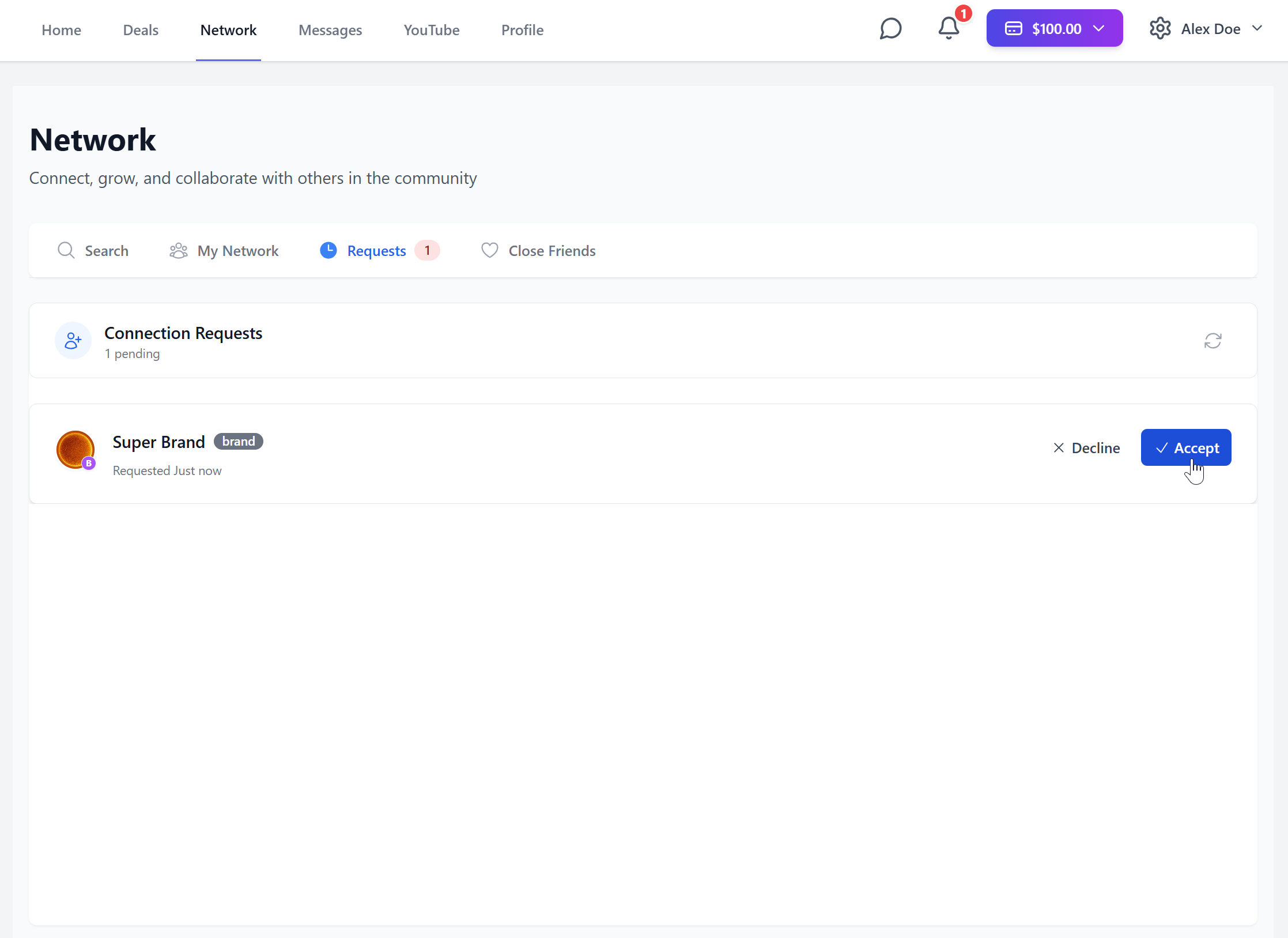
Once done, you can message each other. This is where you can make the deal.
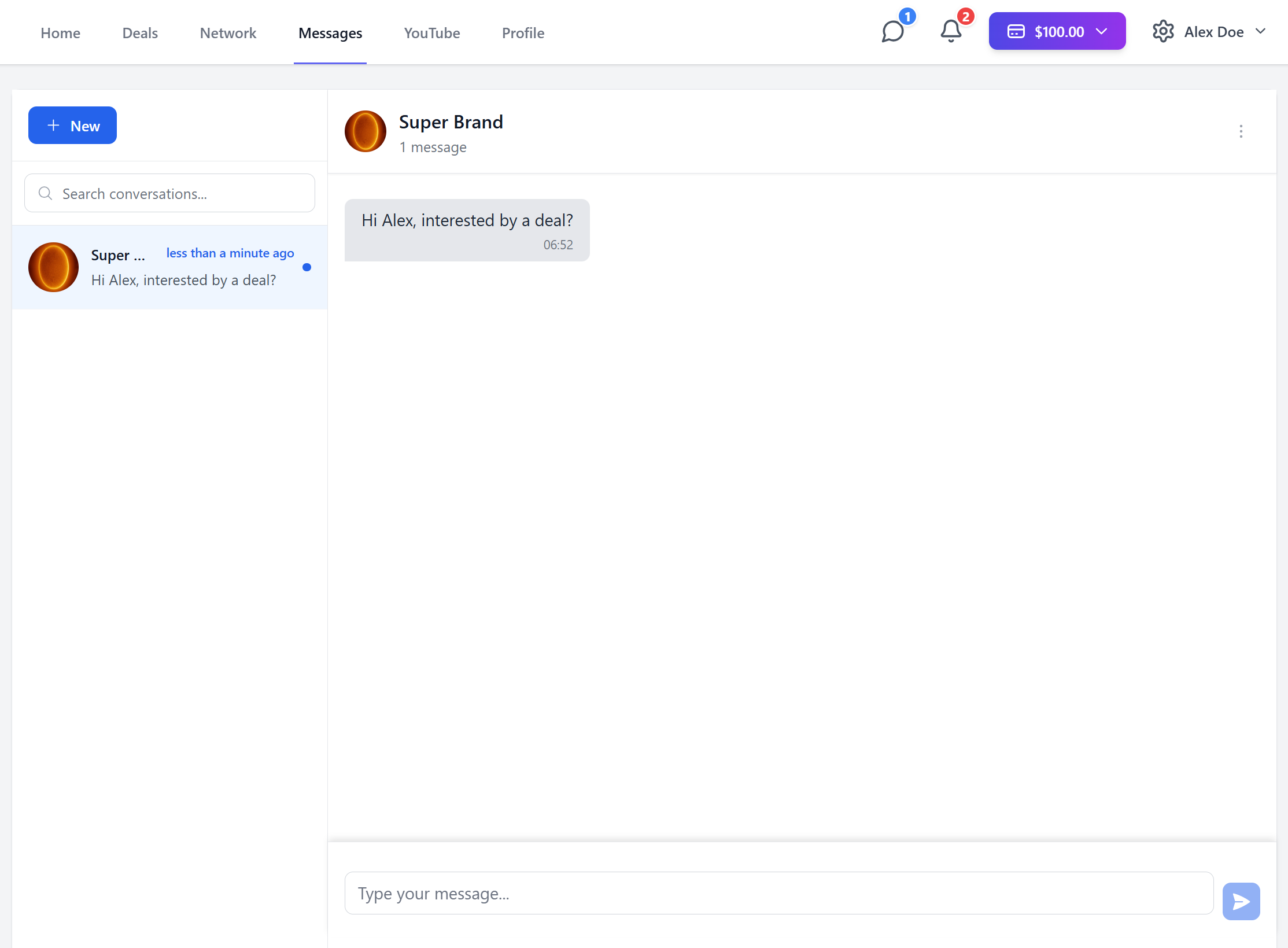
After the deal has been created, you are now in the Discovery phase
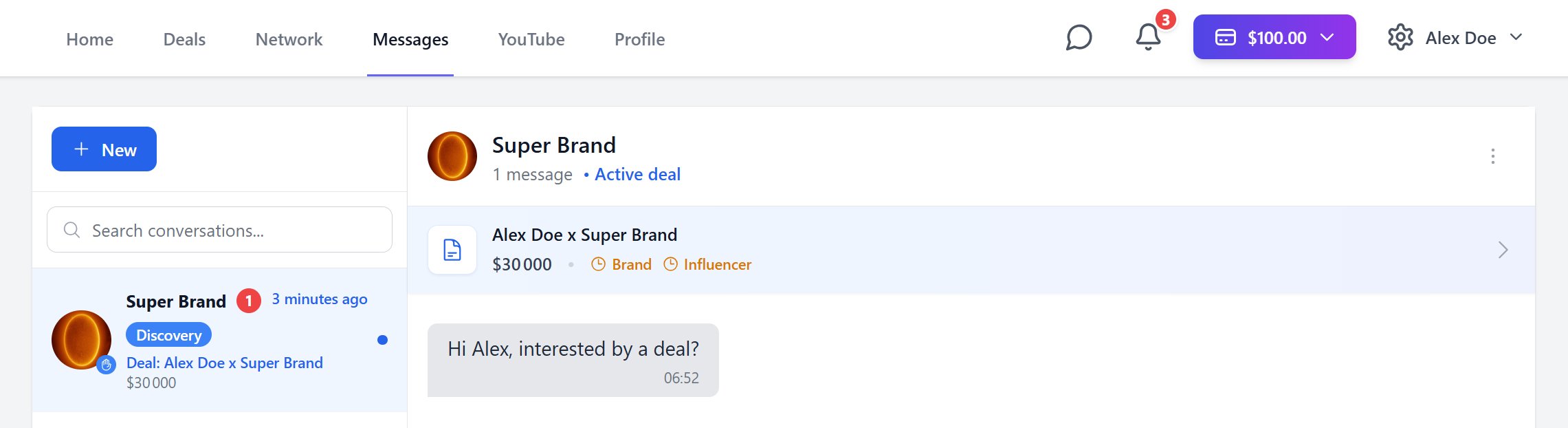
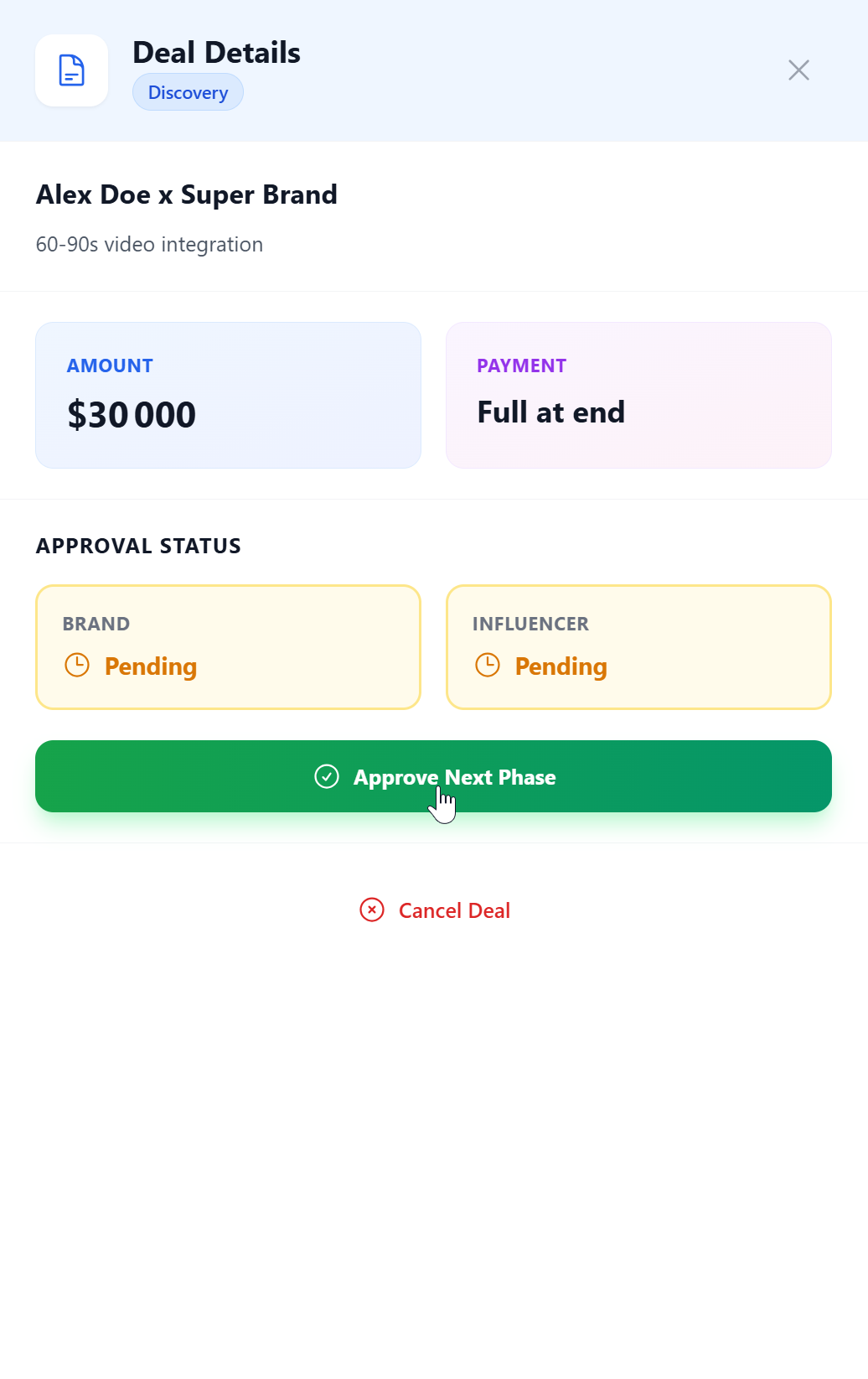
There are 5 phases: Discovery, Negotiation, Contract, Delivery and Payment Moving to the next phase requires mutual consent
After that is done, you can freely modify the terms of the deal until you agree
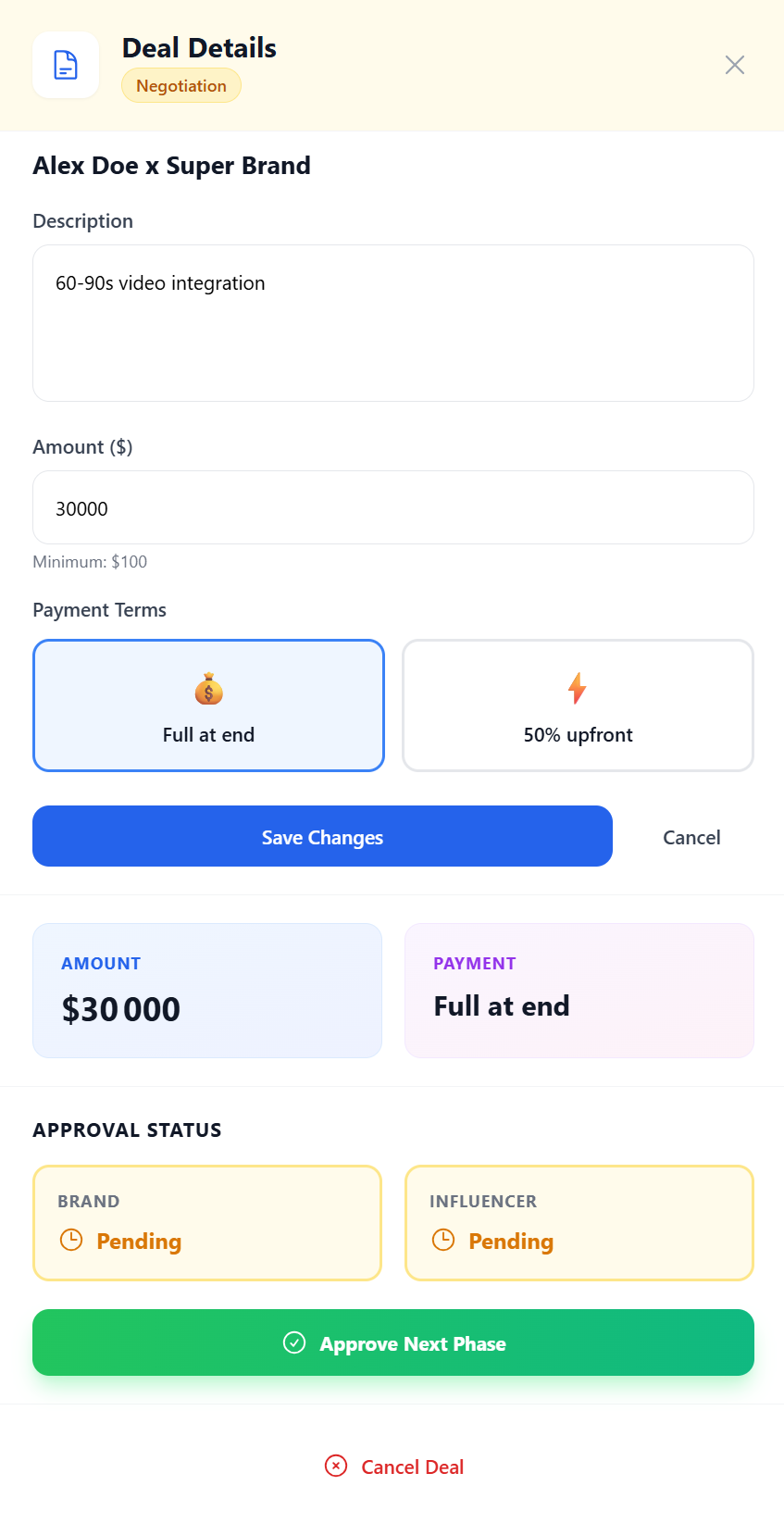
Then move to the Contract phase
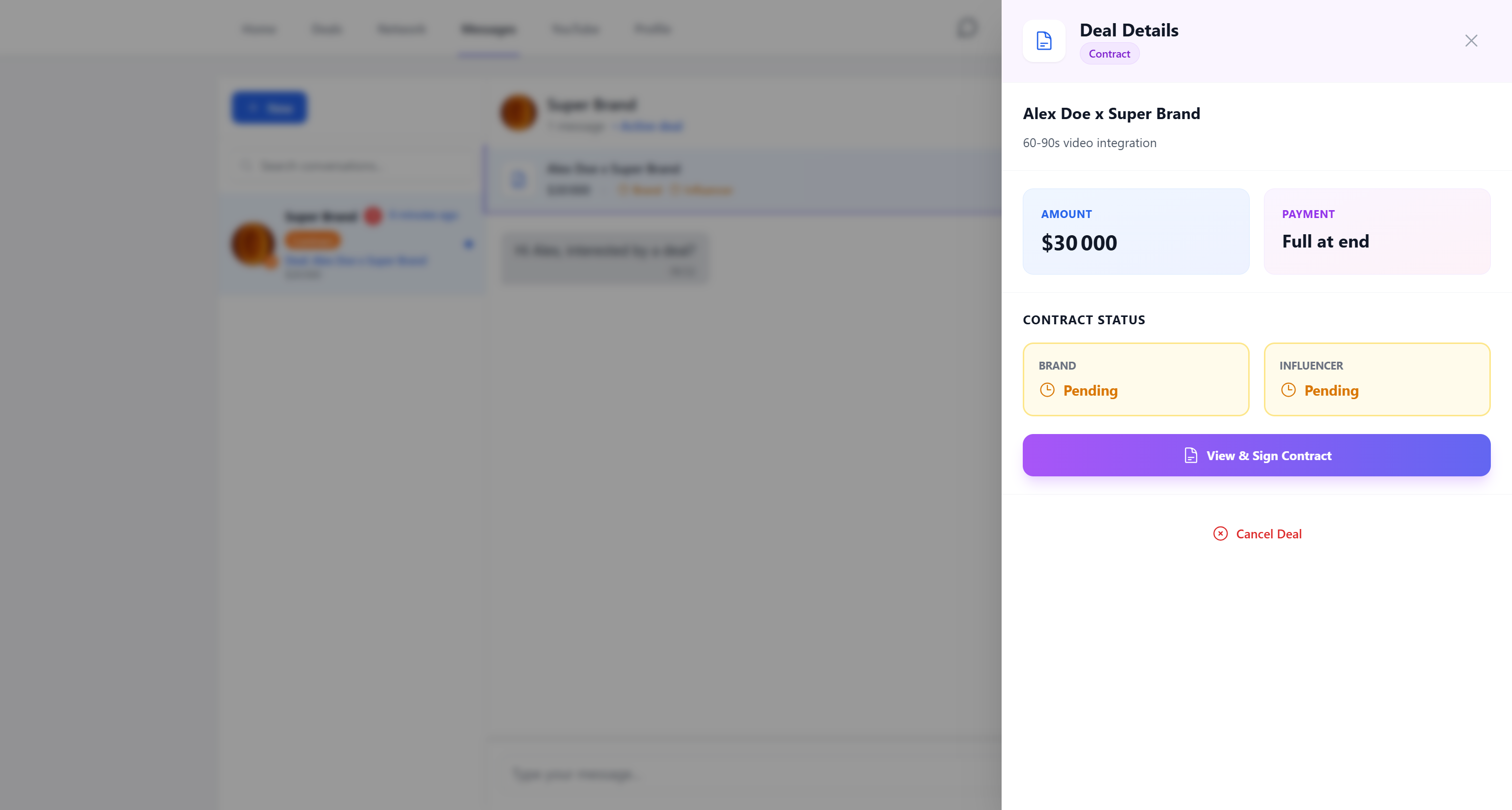
You can modify the contract indefinitely
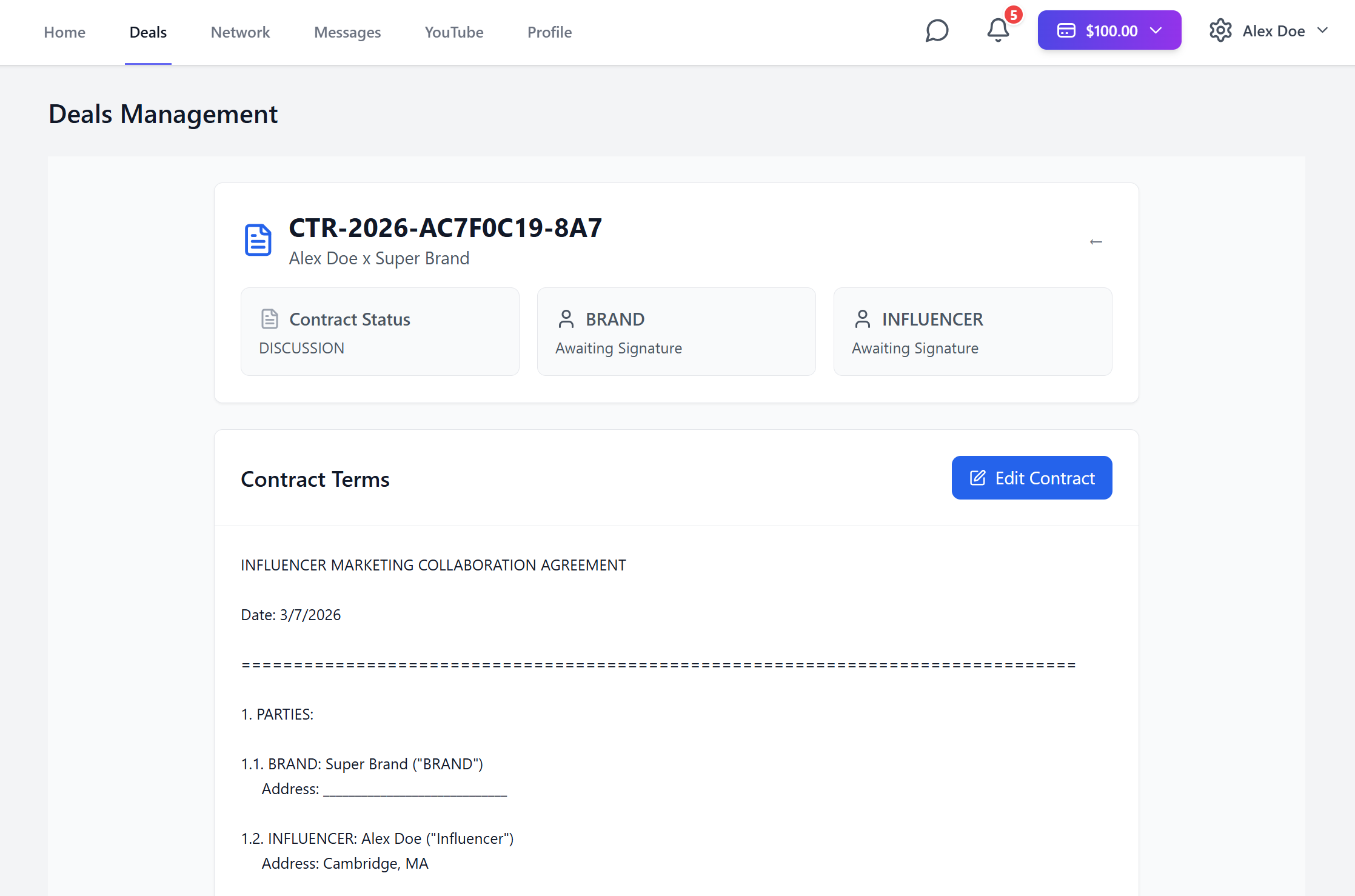
Added lines will appear in green for your contact, and removed lines in red

Before signing the contract, you must choose and draw a signature
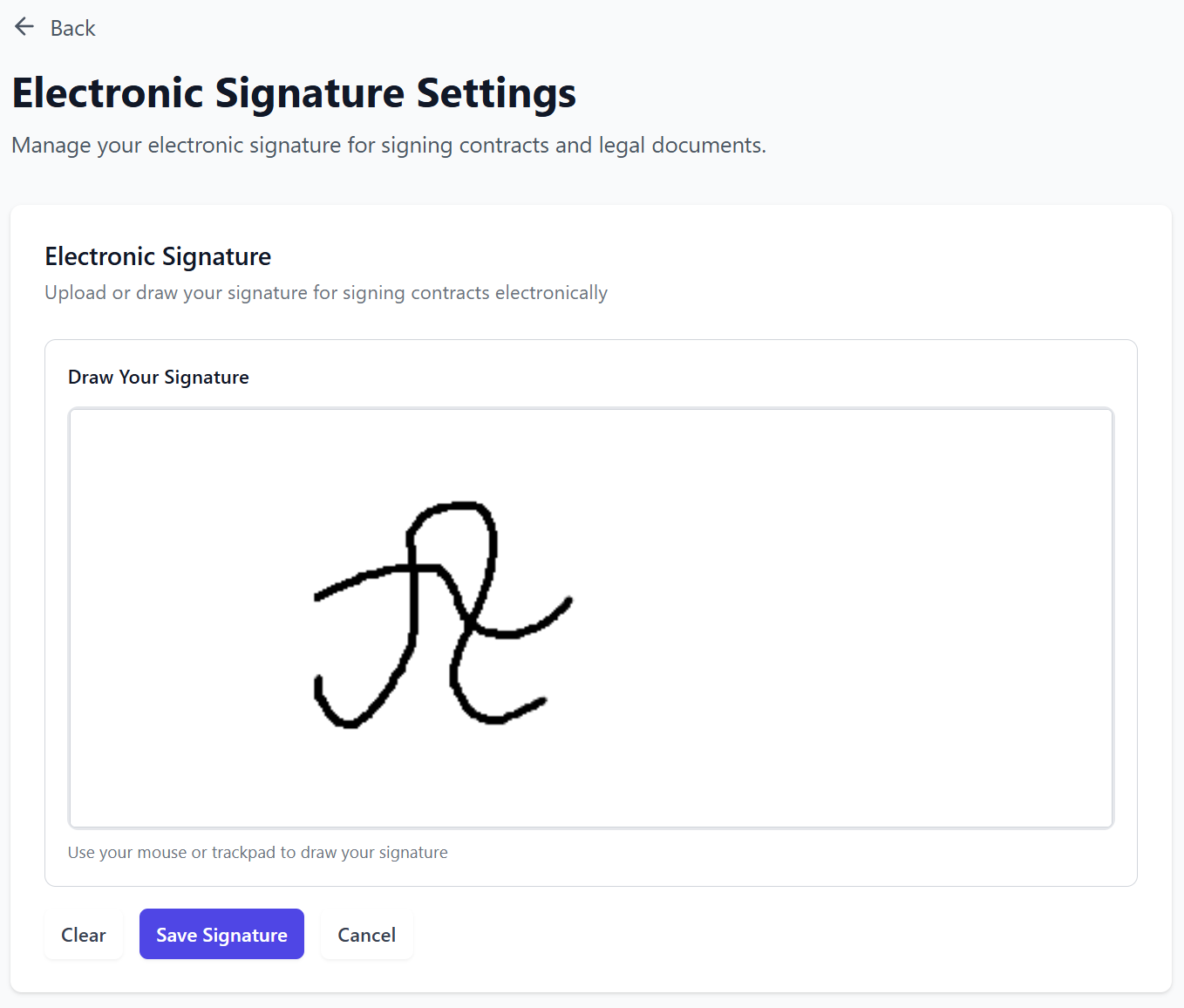
The signatures will be included on the downloadable PDF document after both parties have signed it.
After reaching the Delivery phase, you will need mutual consent to cancel the deal
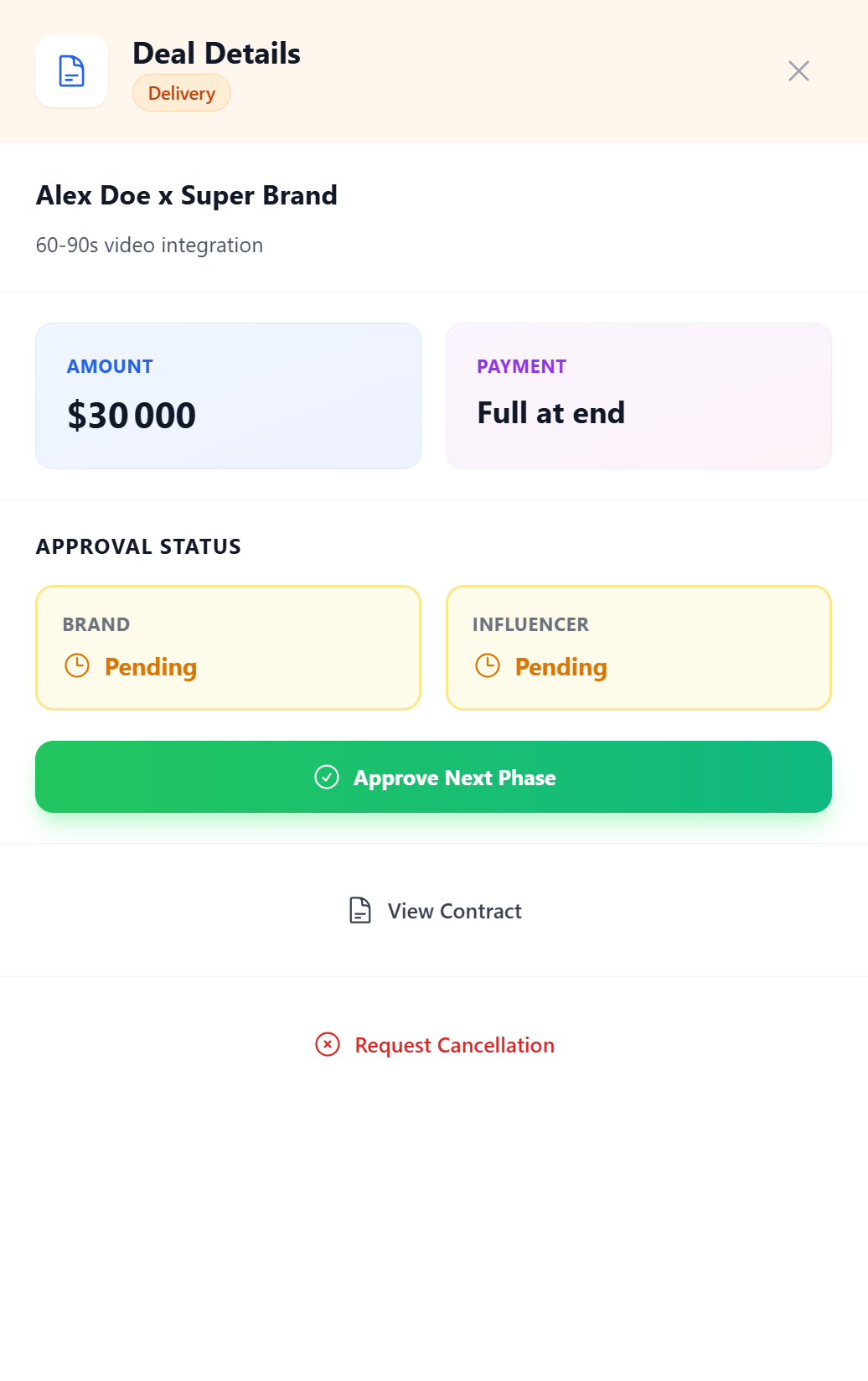
All you have to do now is move on to the final phase after posting the content
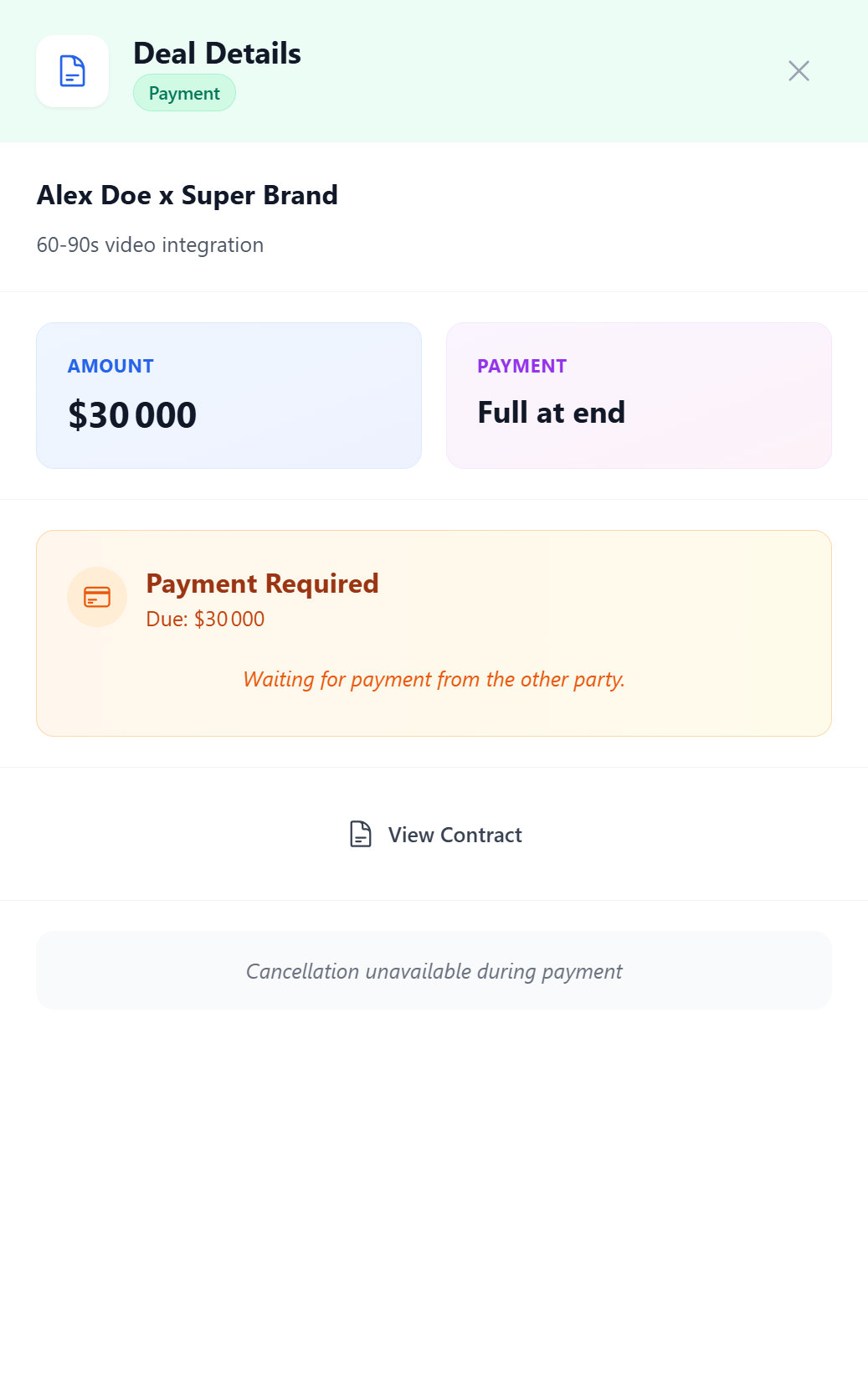
And wait for the brand to make the payment
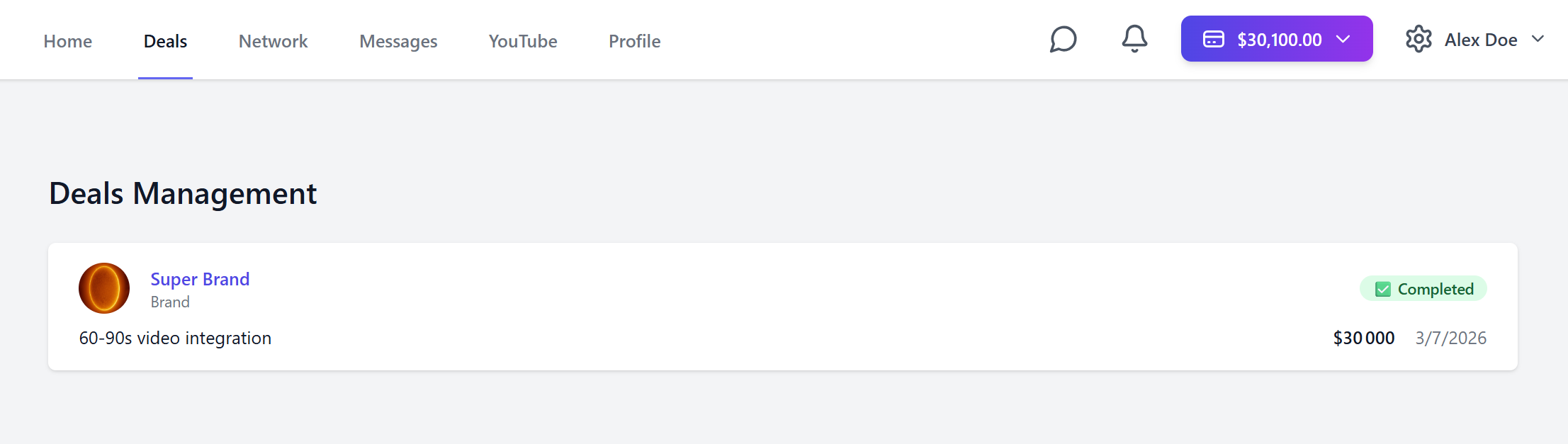
Congratulations, you have made your first deal!
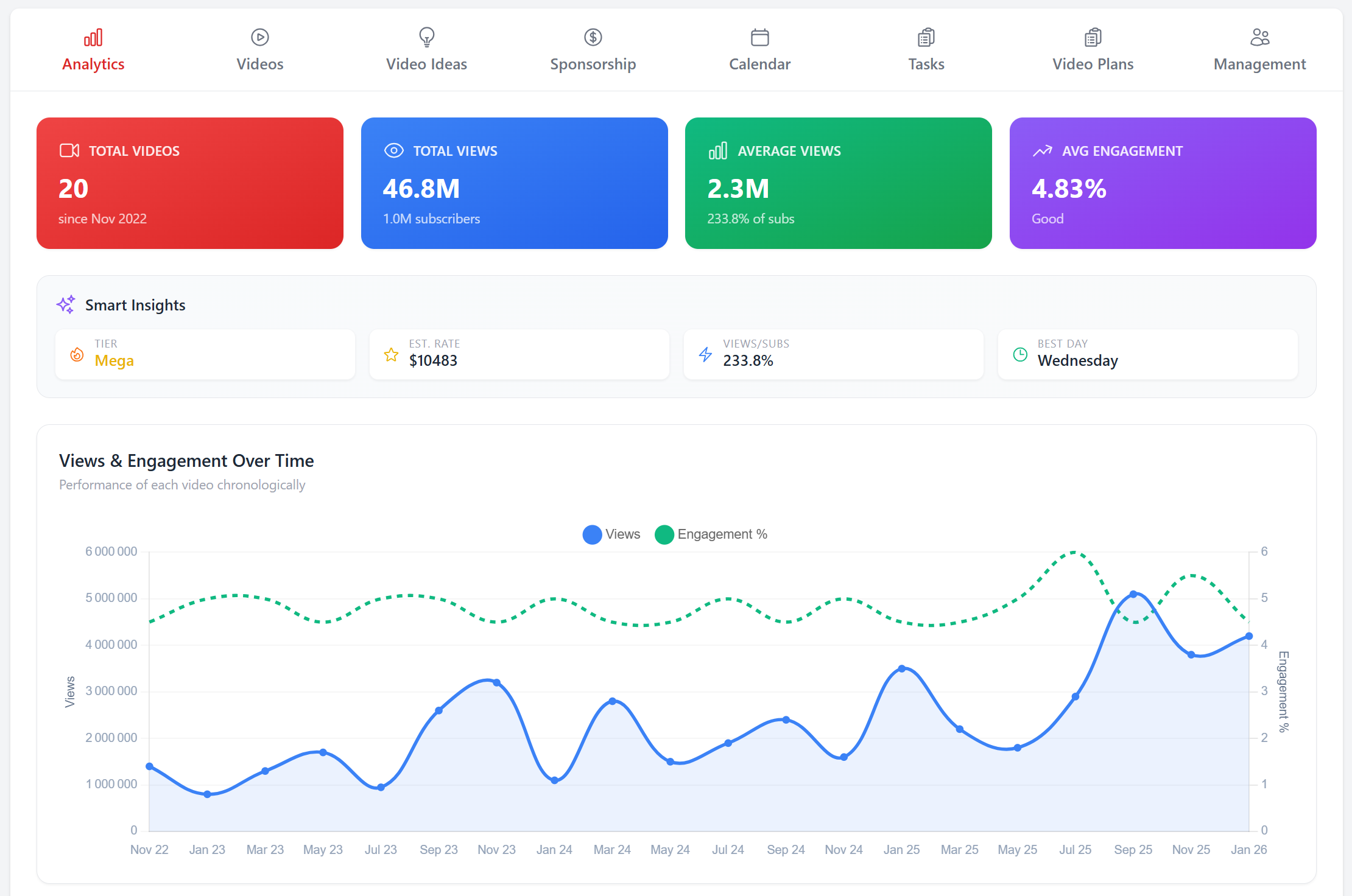
Social
On the Social page

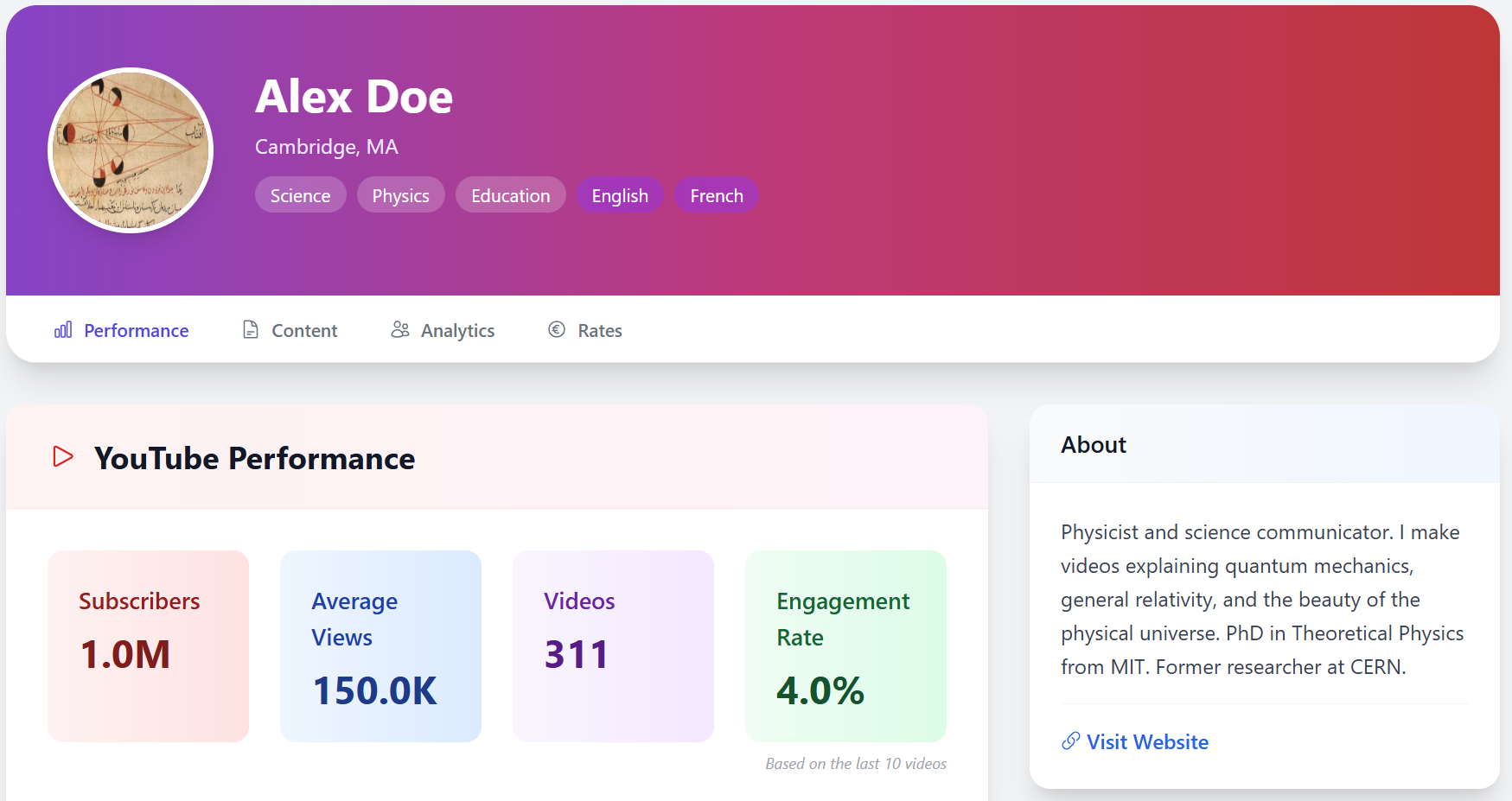
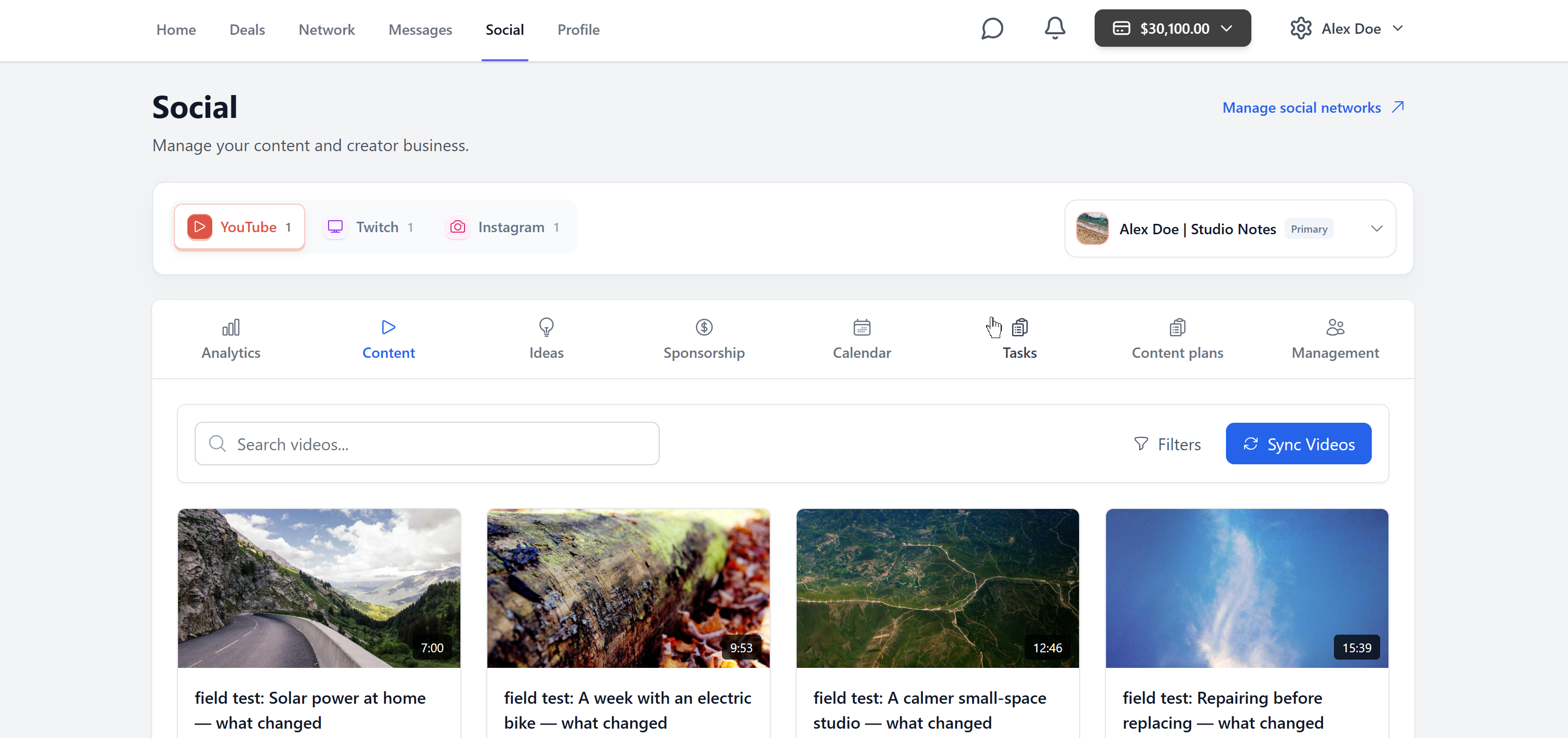
You can view in-depth insights on your socials
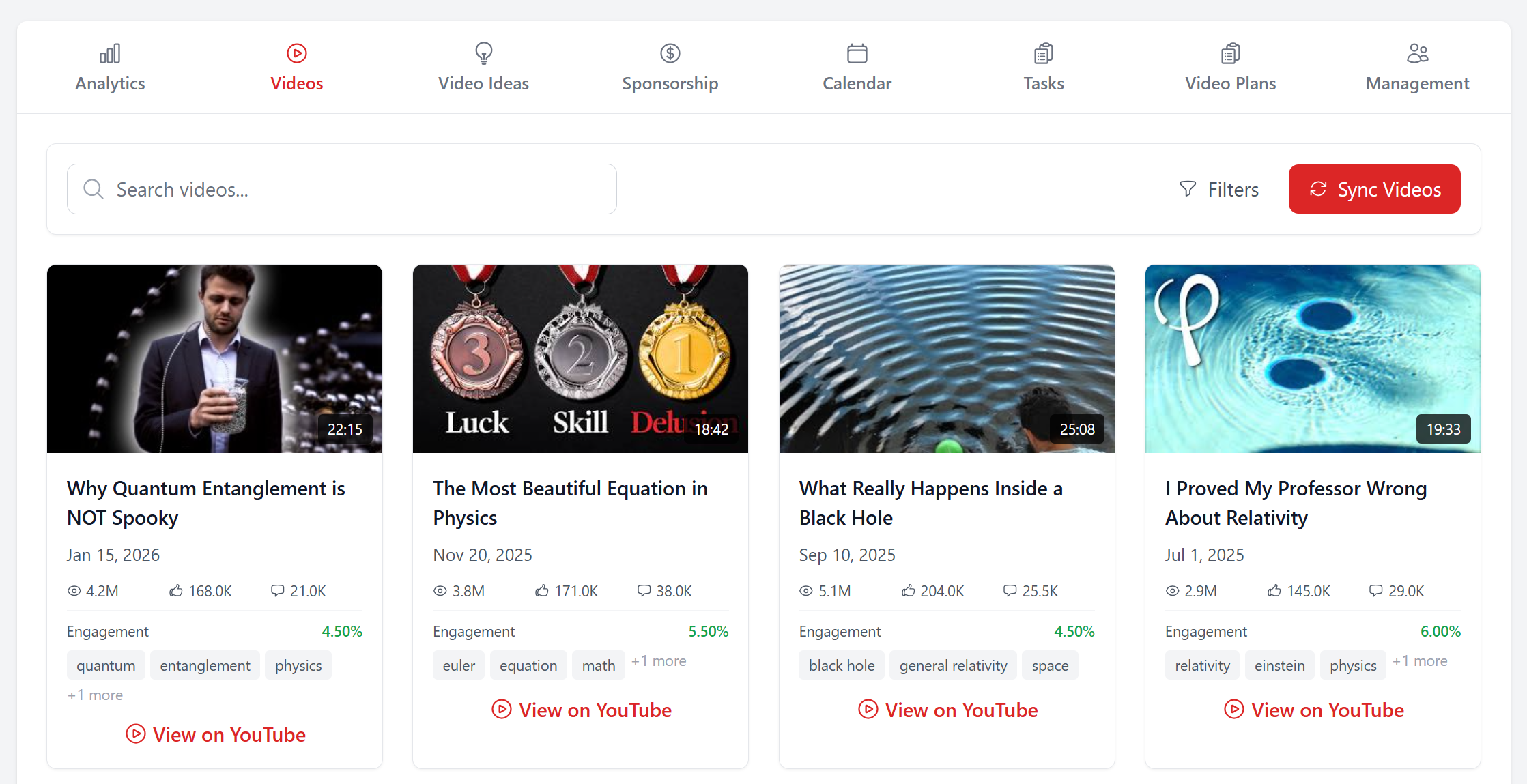
View your content
Write down your ideas
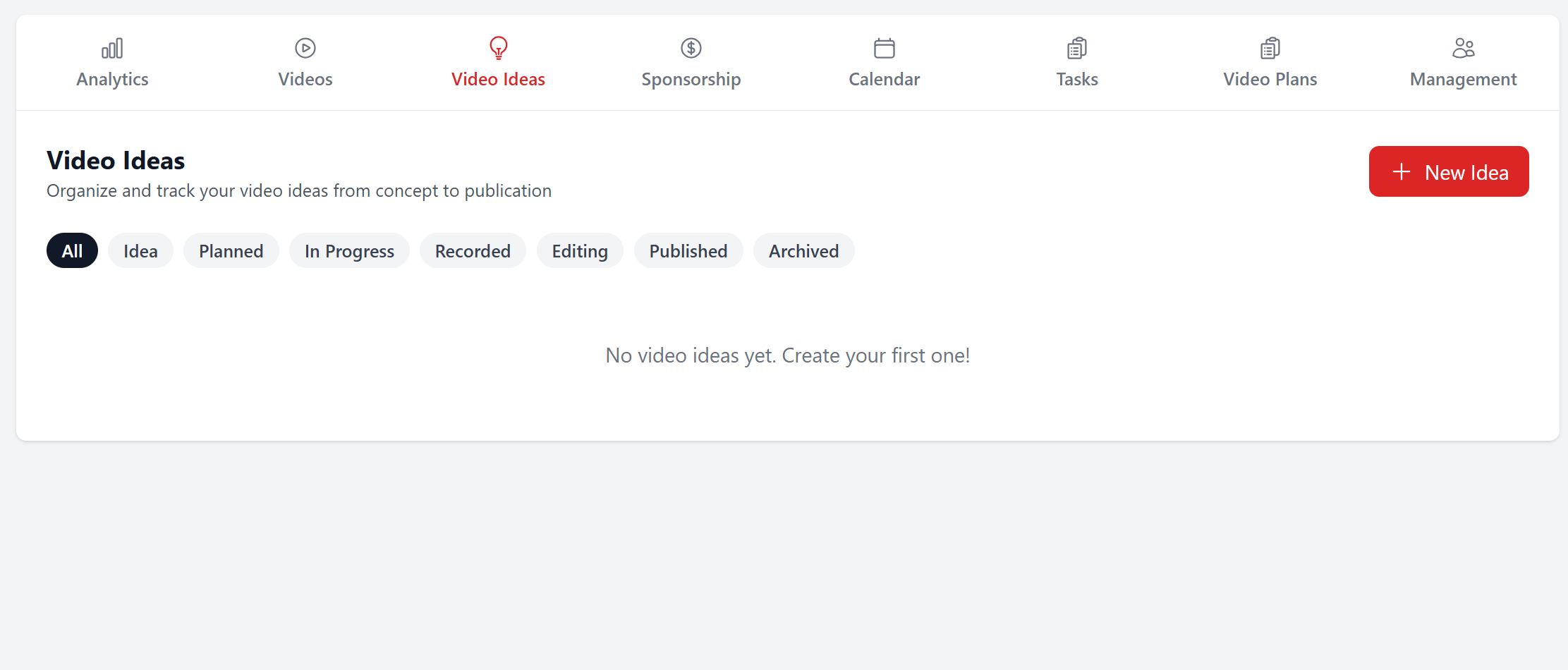
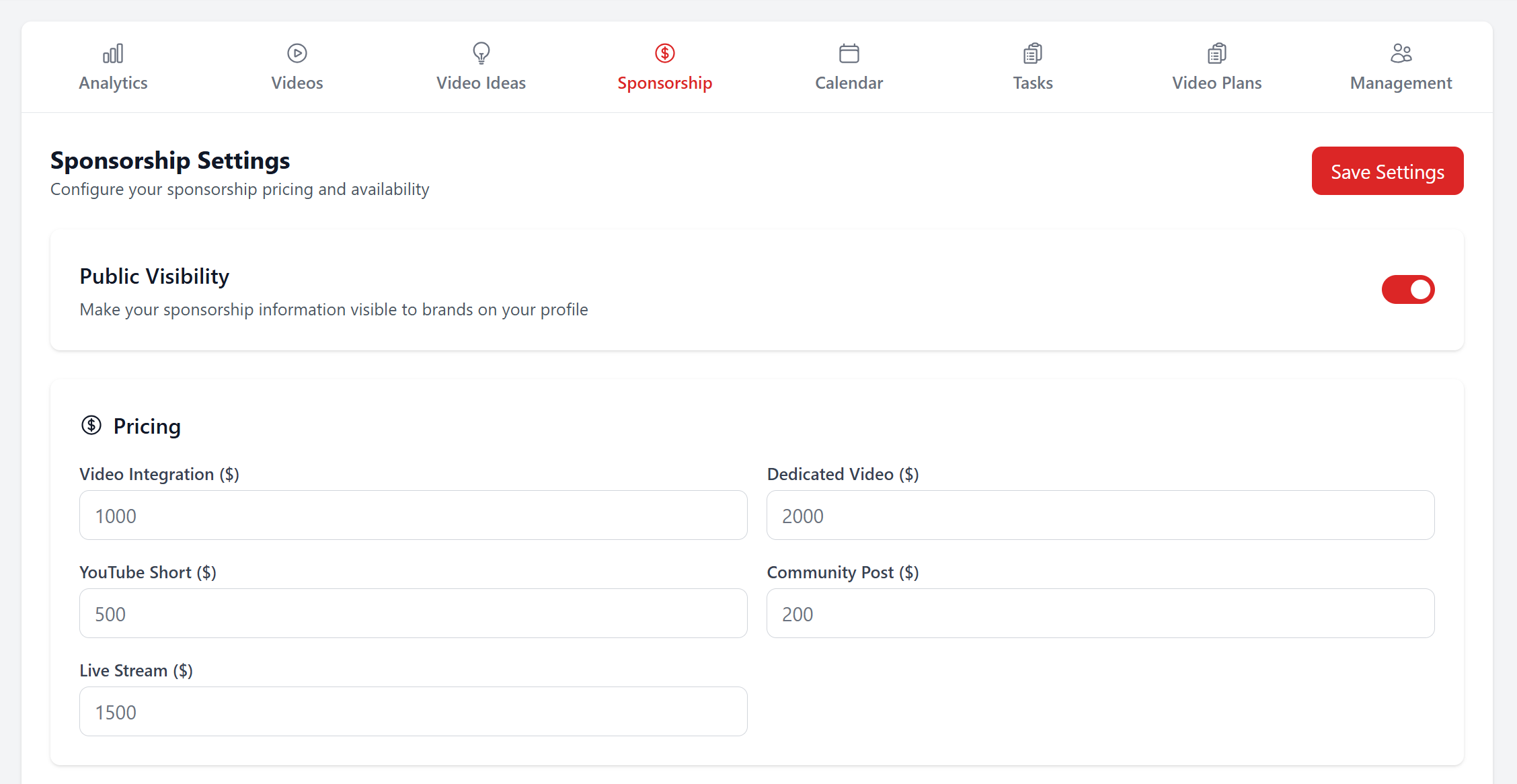
Define your sponsorship rates, availability, brand preferences, terms and conditions, and make them public
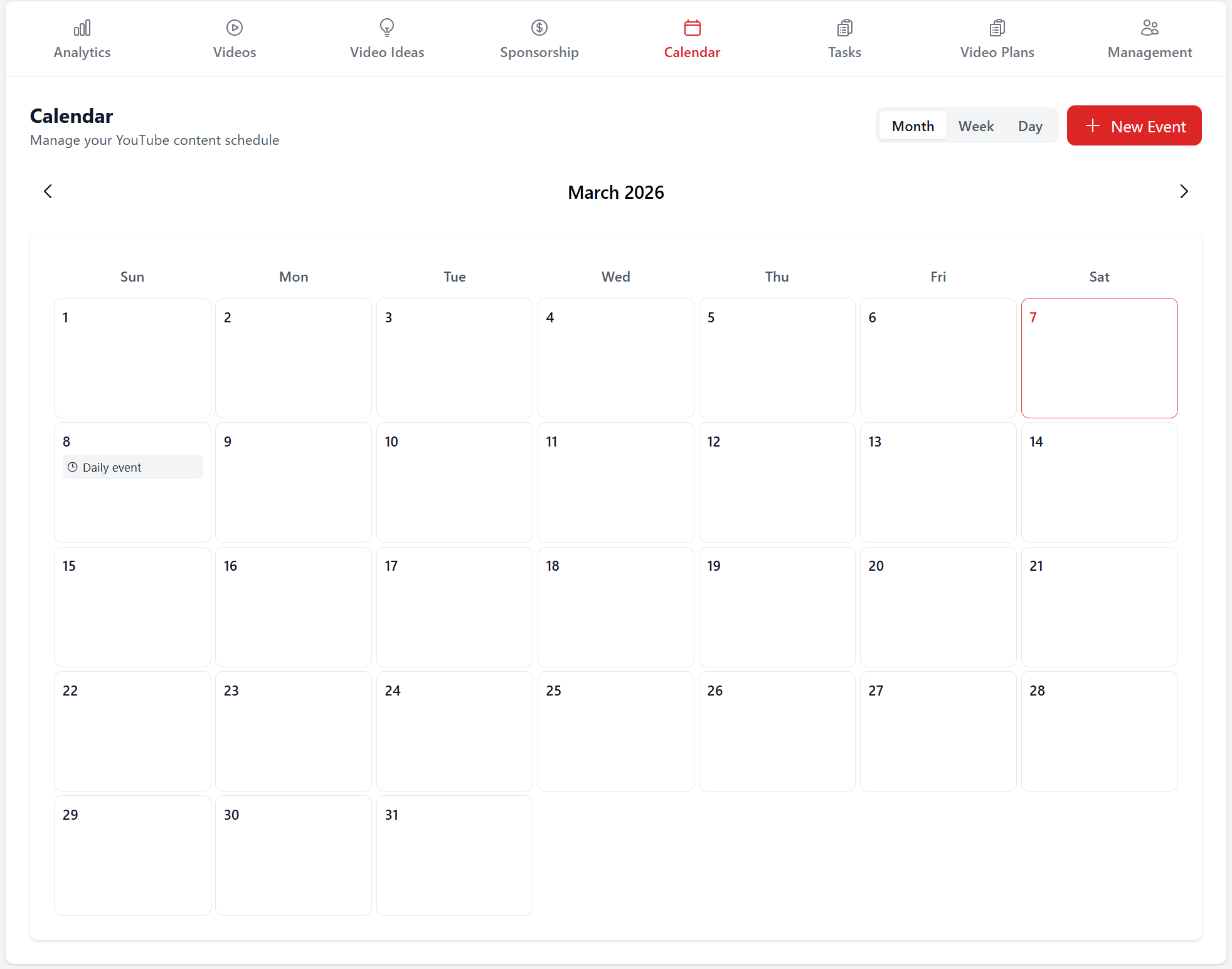
Create events
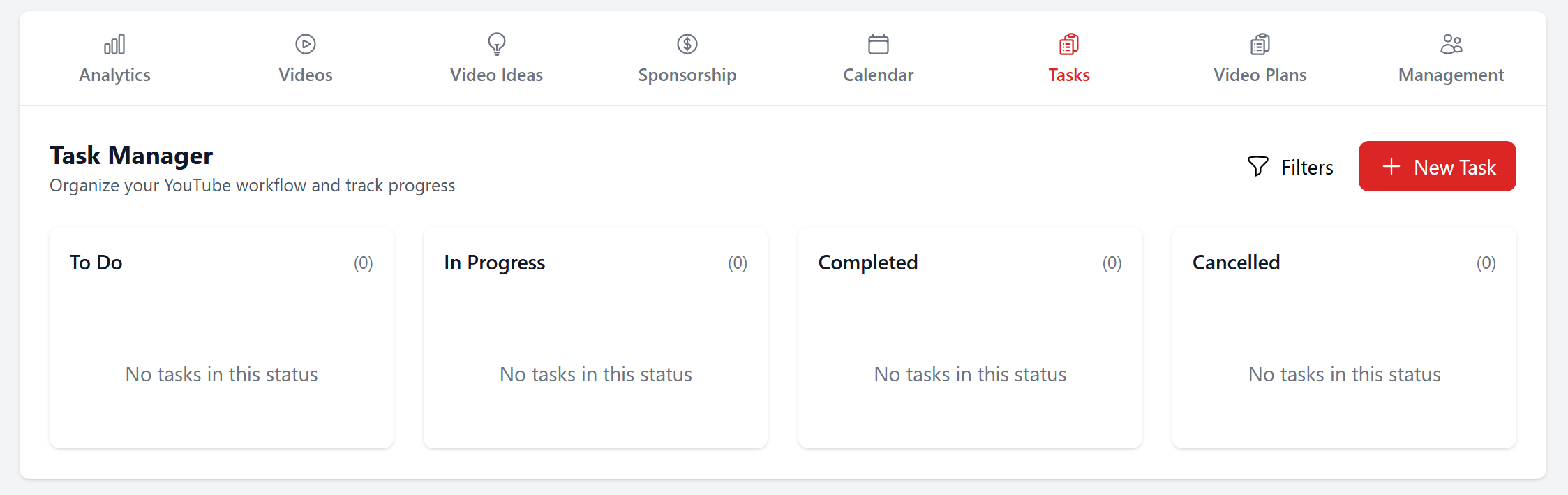
Create tasks
Create elaborated video plans
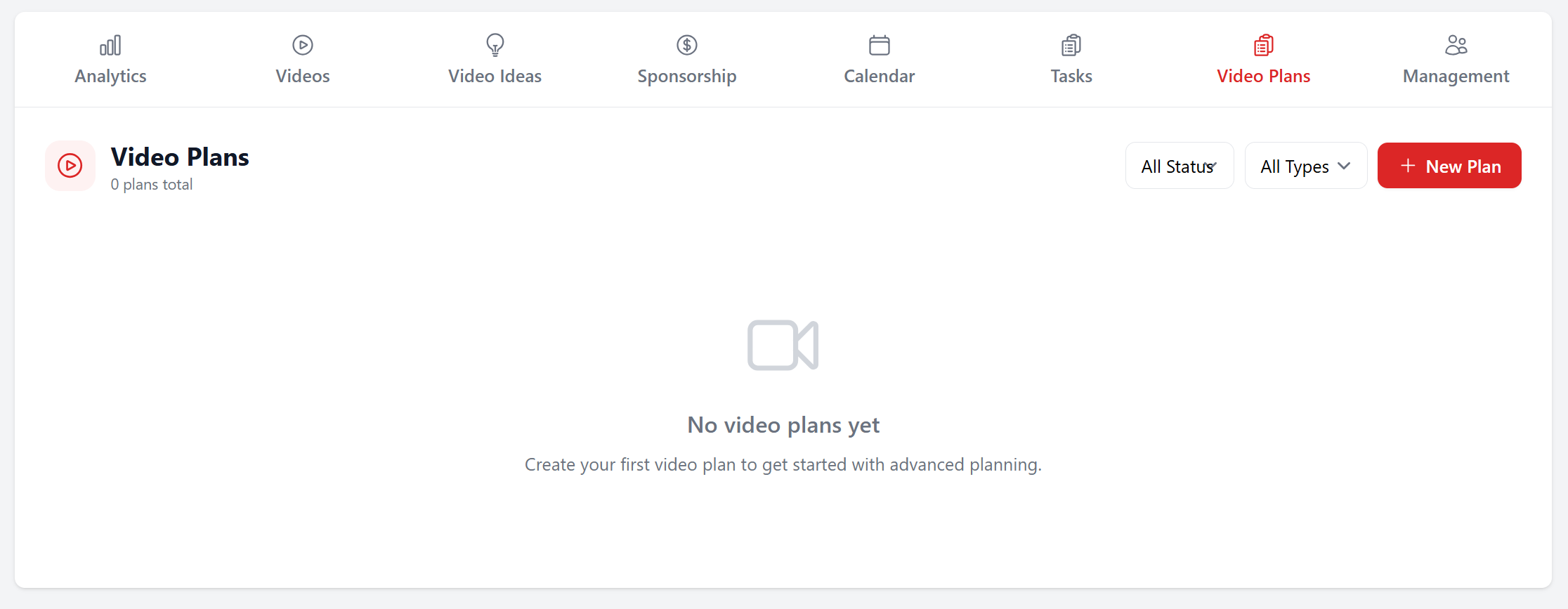
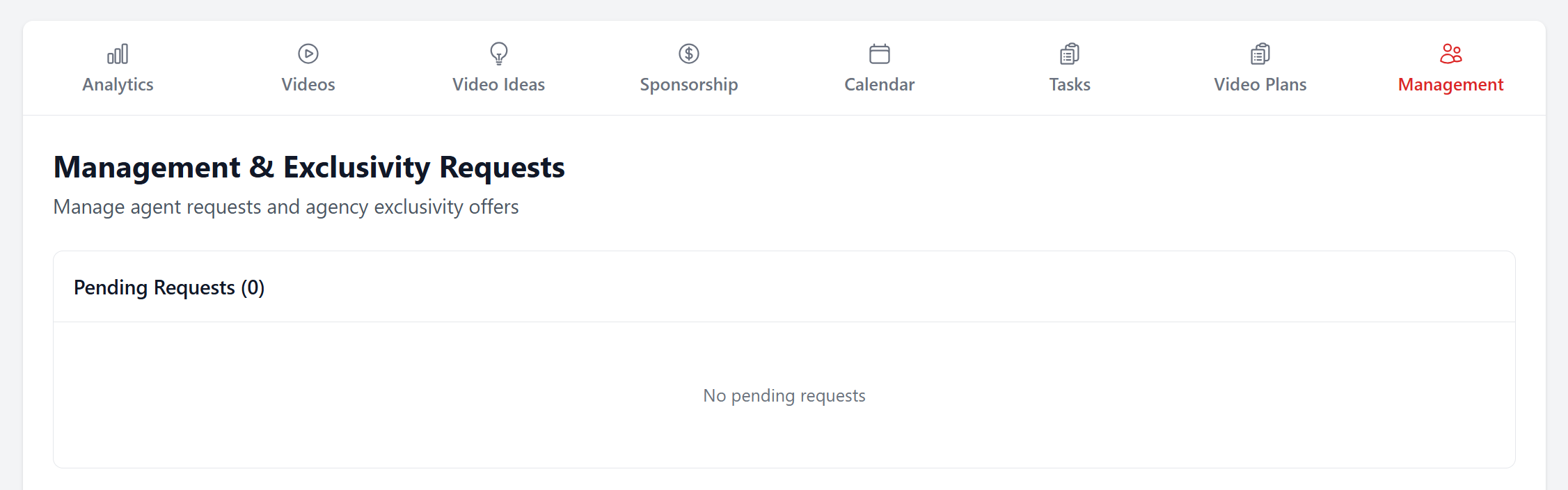
And manage your management requests
Overview
On the home page
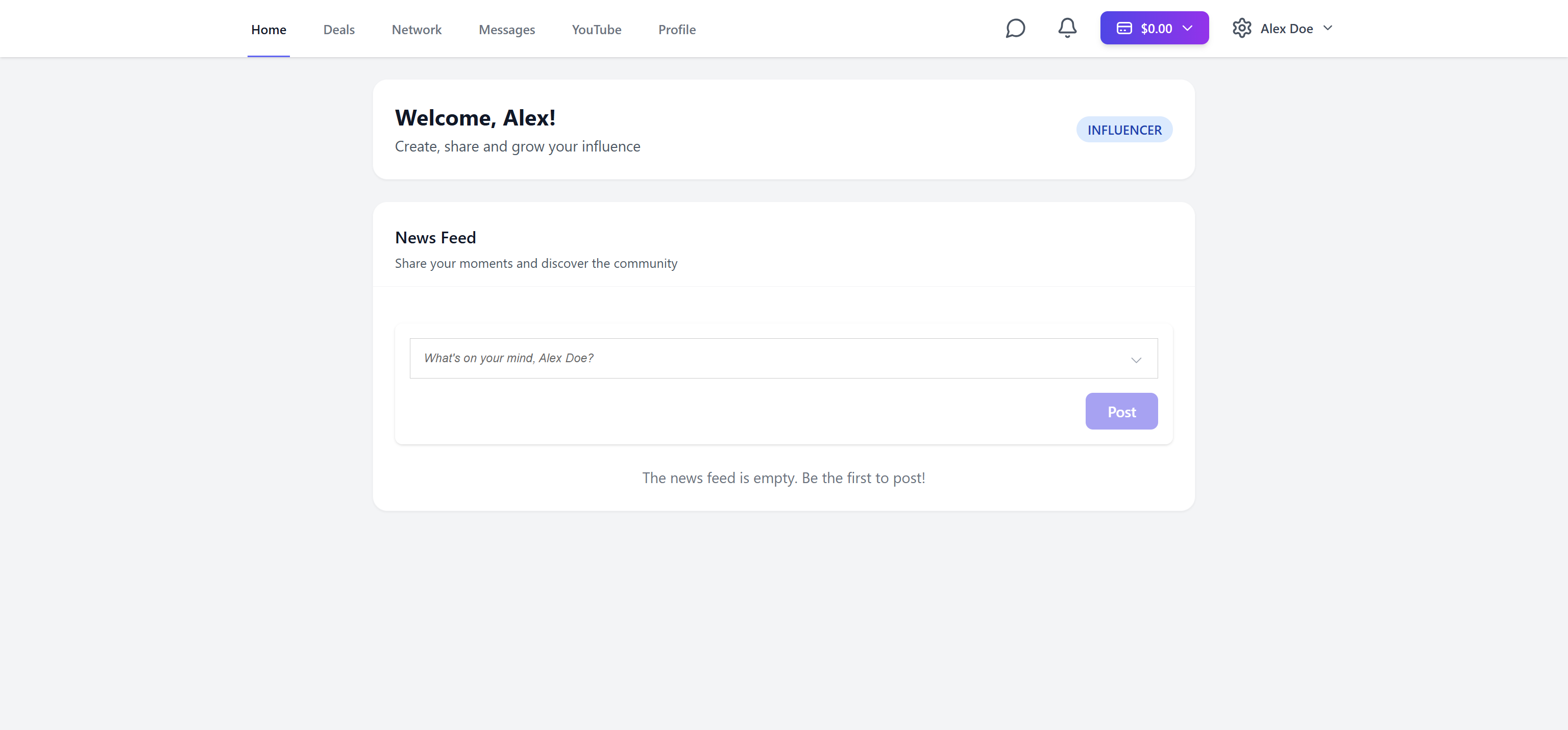
You can share posts and view users' profiles

You can have access to additional features by clicking on the menu at the top right corner

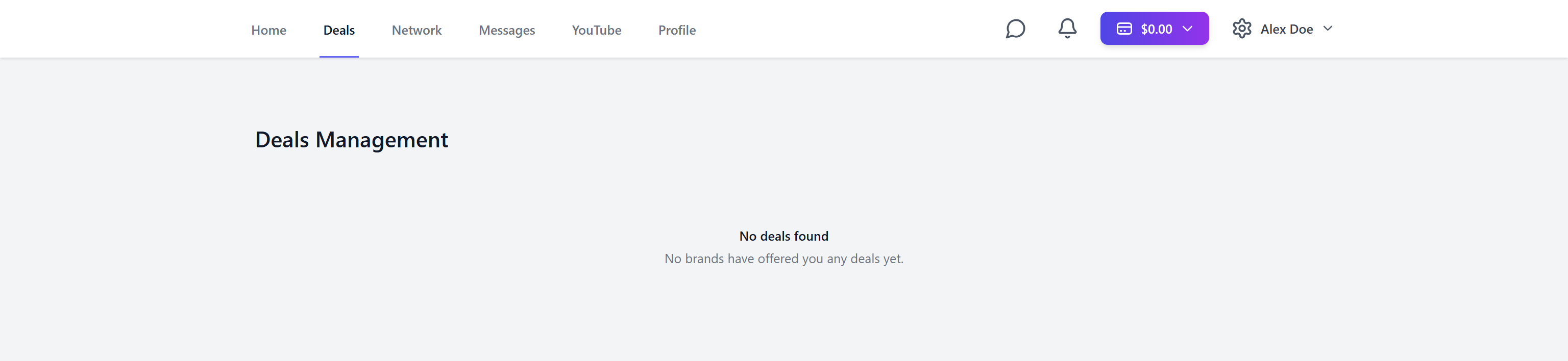
You can review and manage your deals on the Deals page
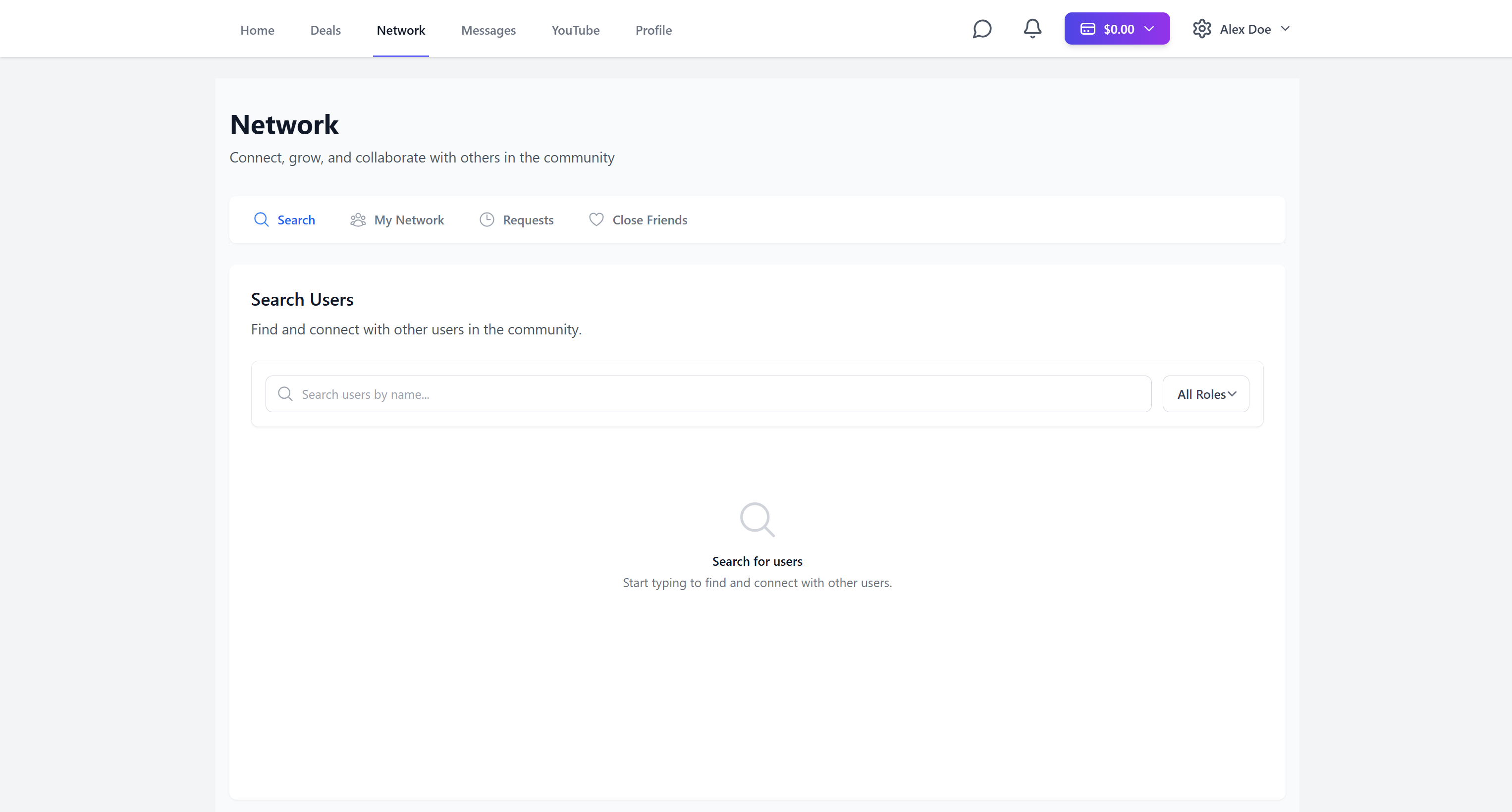
Look for and connect with people on the Network page
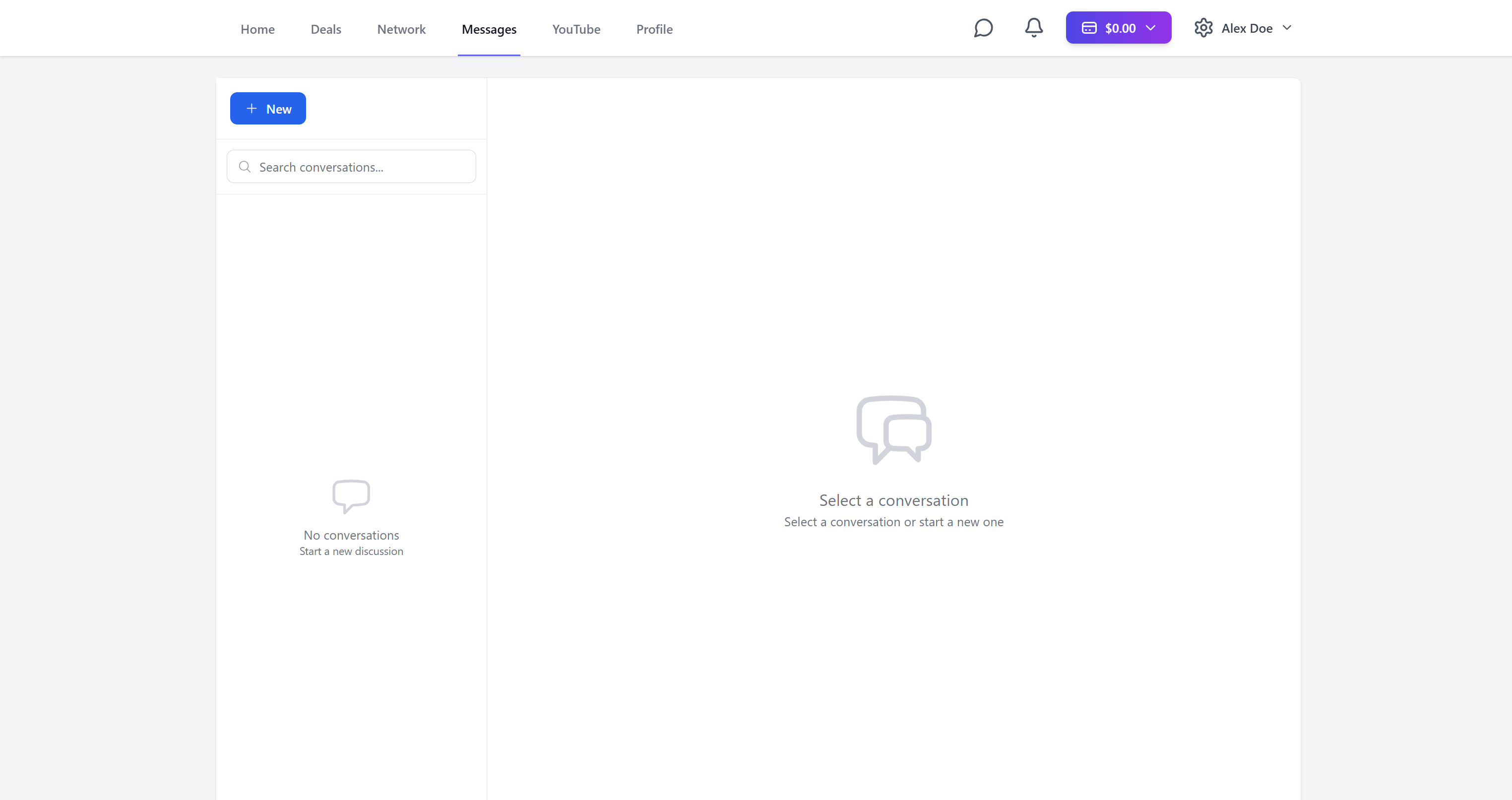
Text and make deals on the Messages page
Manage your socials on the Social page
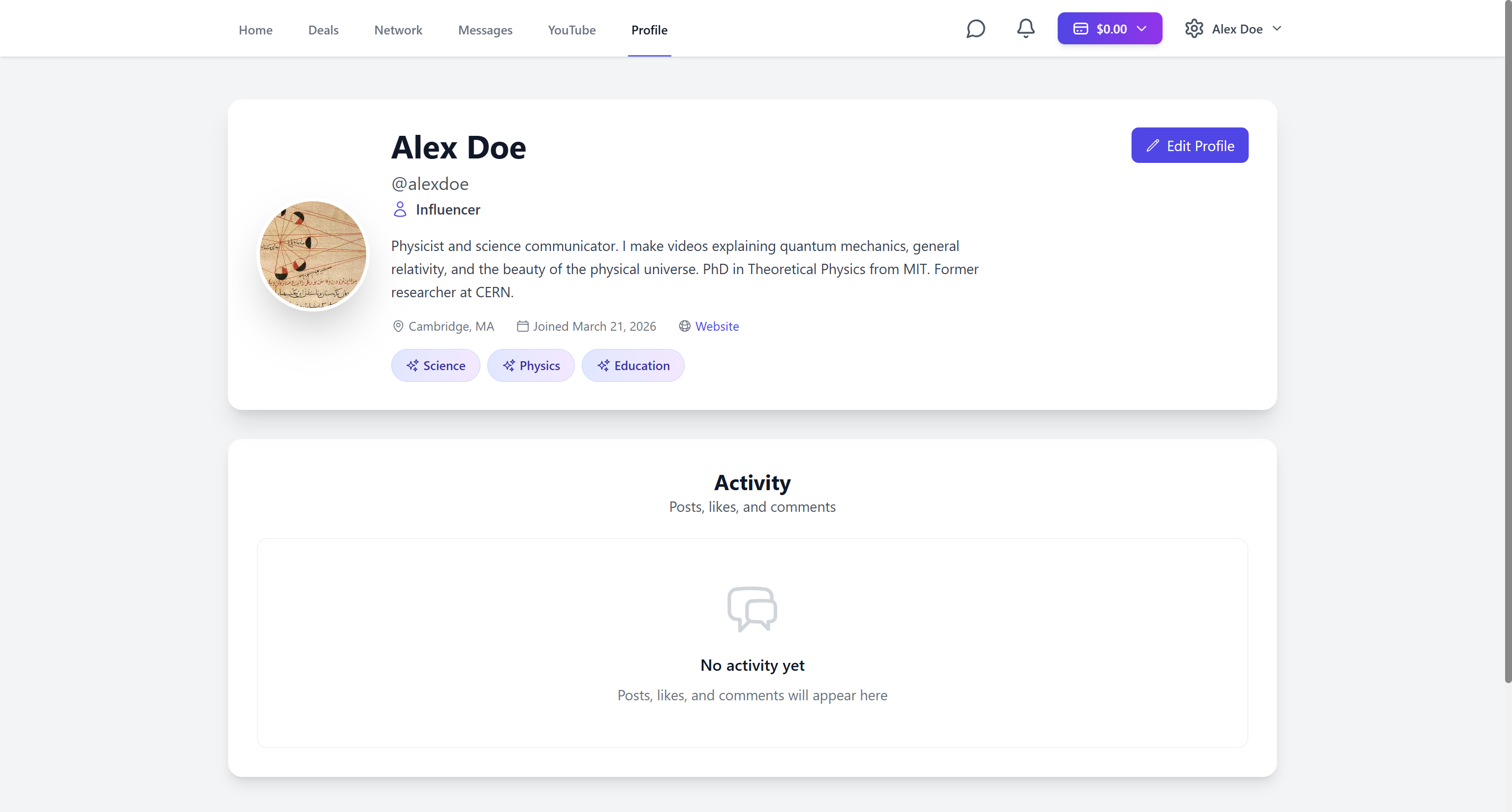
And finally edit your profile on the Profile page
So what are you waiting for ?
See you inside !
No credit card required • Free forever