Discover how Infmap works
Choose your user type to see a personalized walkthrough of the platform
For Agencies
Influencer marketing agencies
Registration
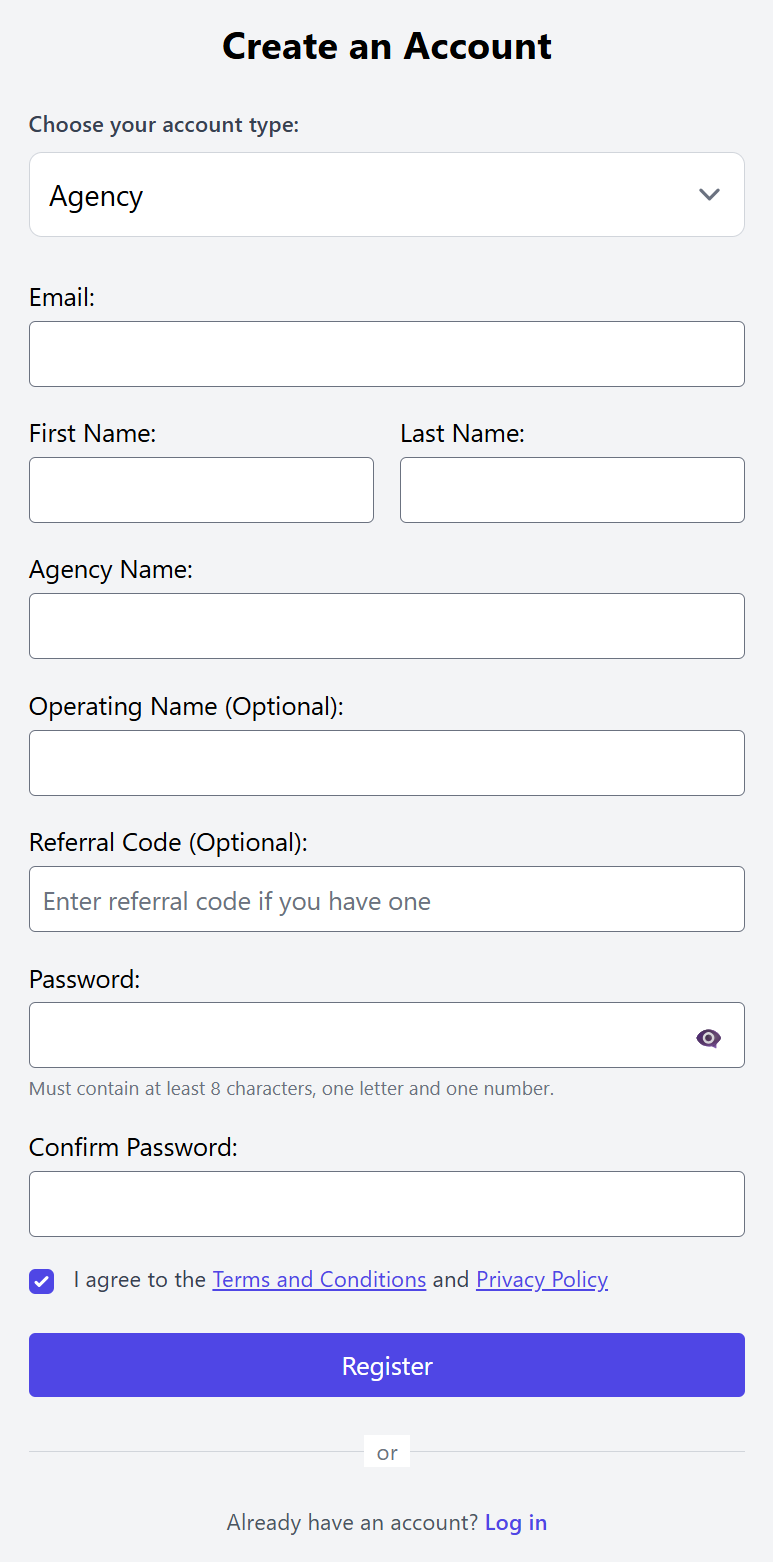
Start with creating an account

Select "Agency" and fill in the required information
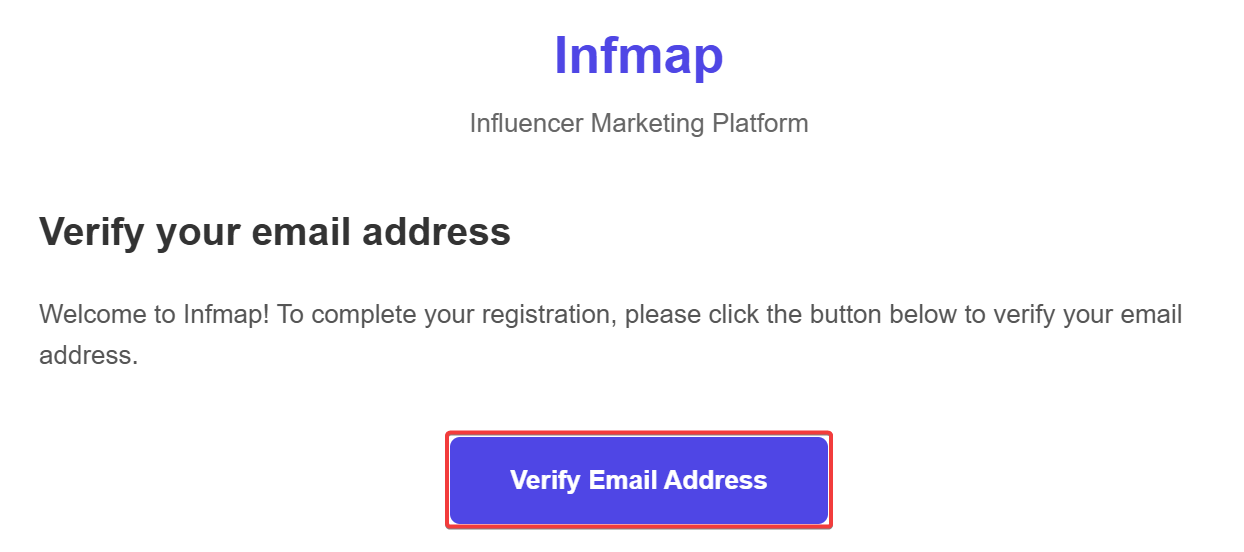
You will receive a confirmation email from [email protected], click on the following button
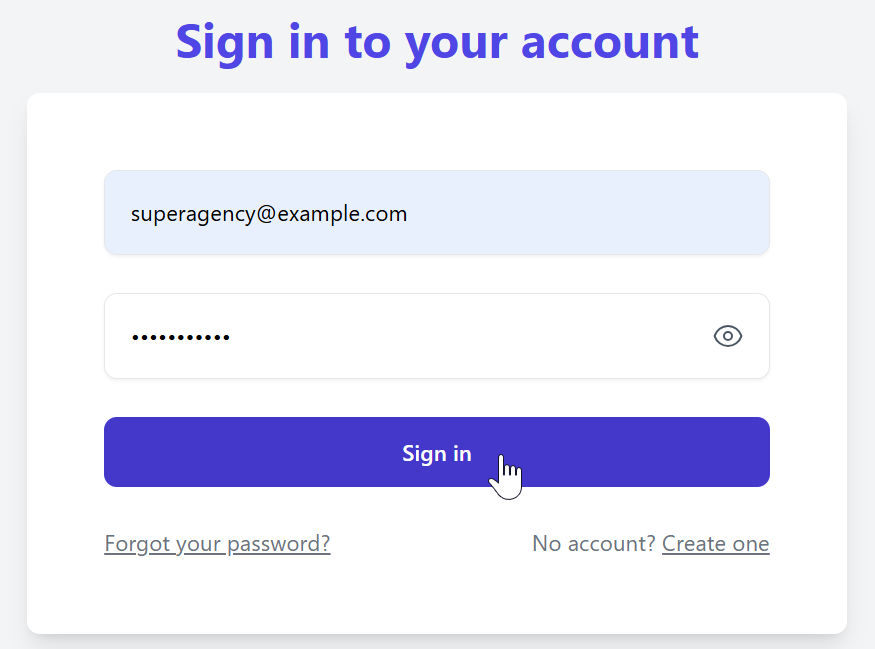
Sign in
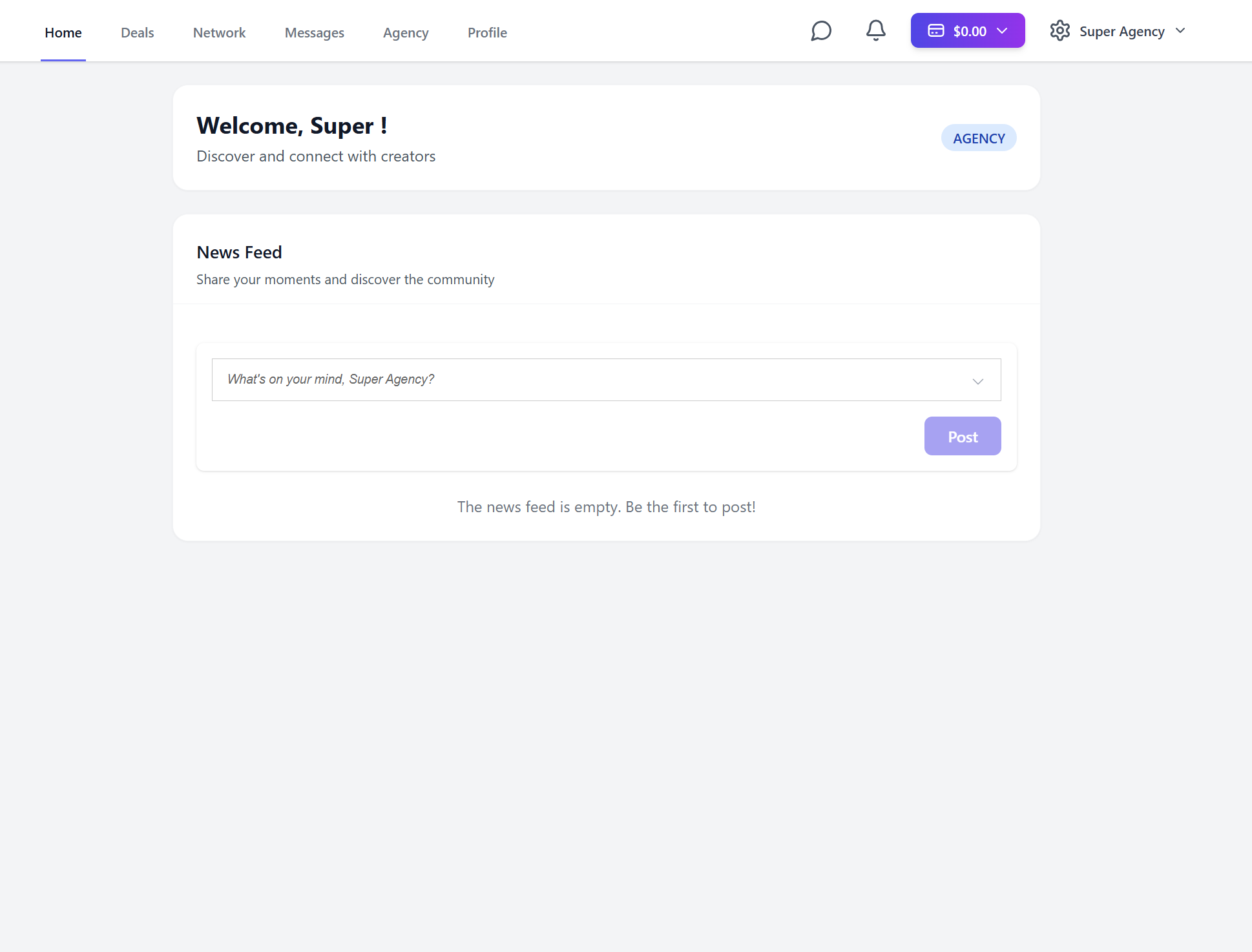
And welcome to Infmap!
Deals
Prerequisites
Infmap's main advantage is the ability to make deals seamlessly. To do this, you must first add your client to your network before you can contact them.
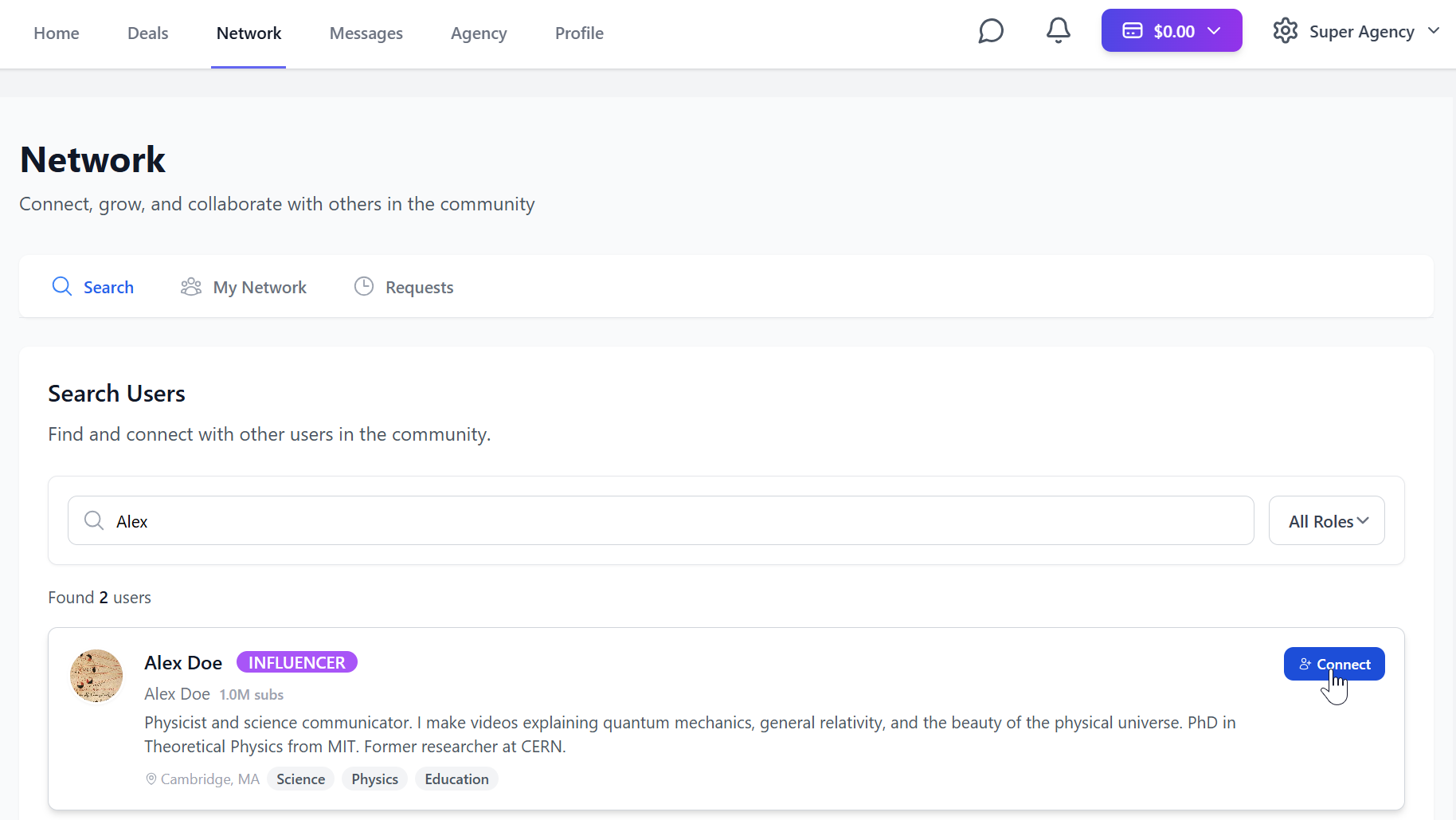
After he accepts, you can message him. This is where you can create the deal.
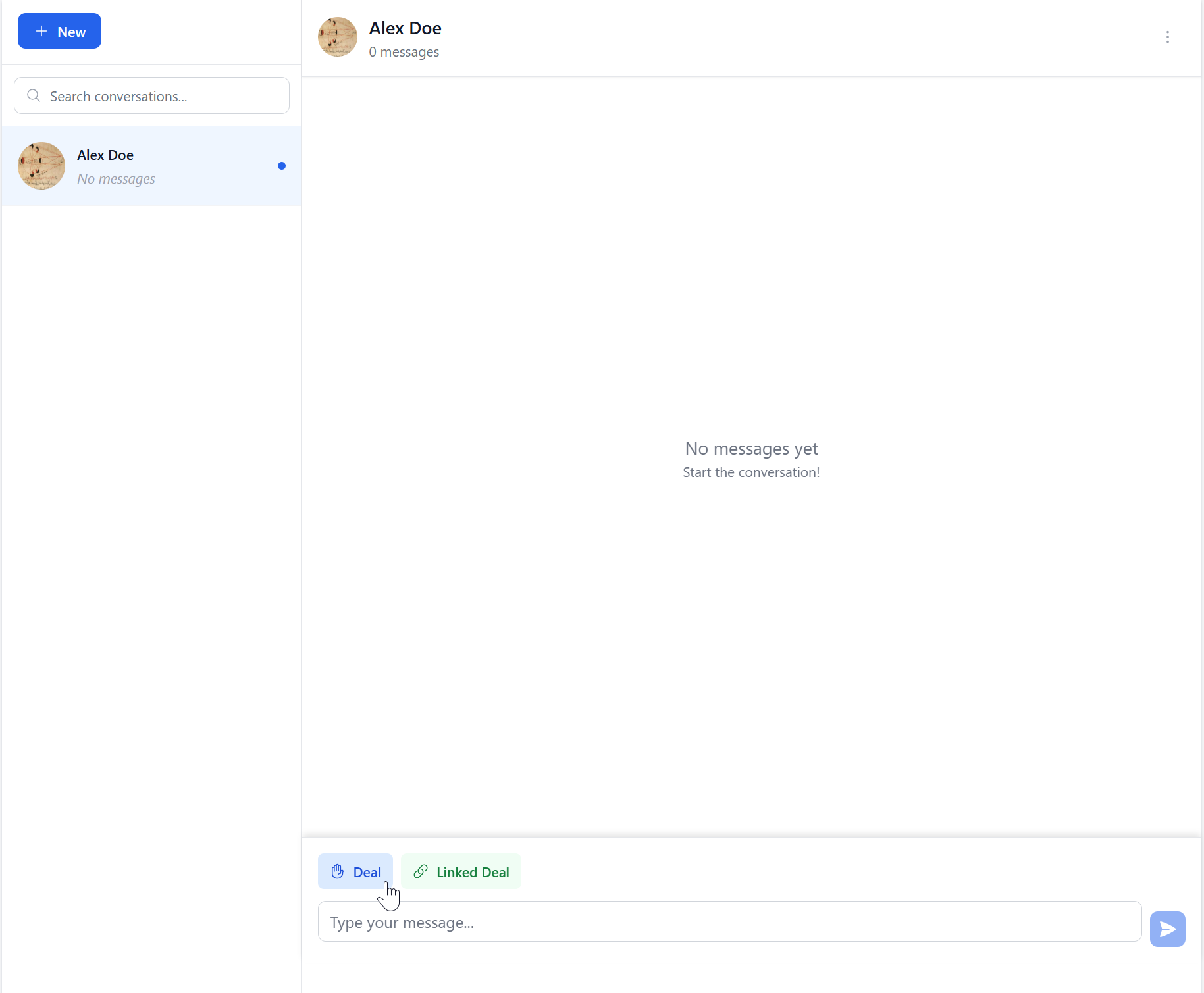
Deal Creation
The deal window looks like this
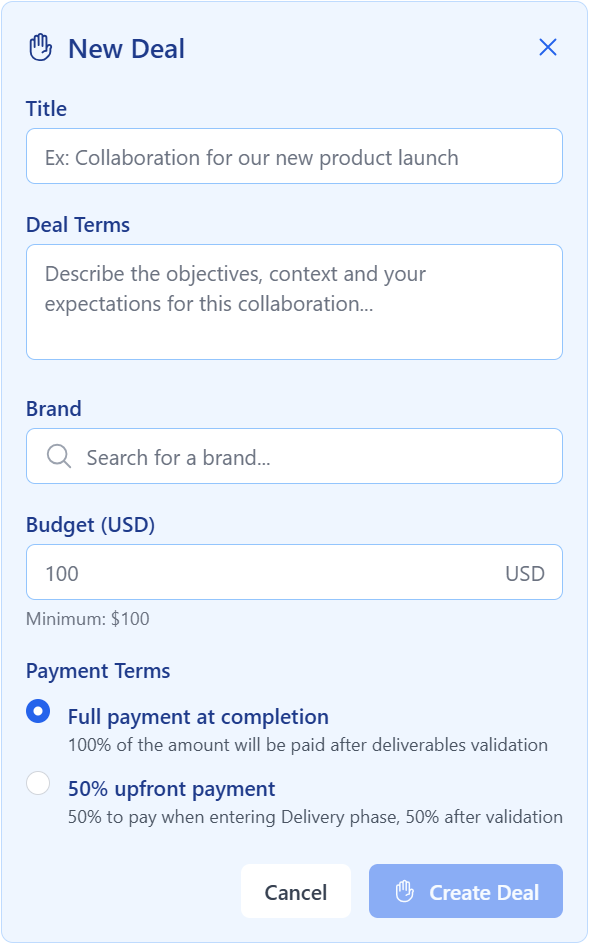
Insert the required information, then click on "Create Deal"
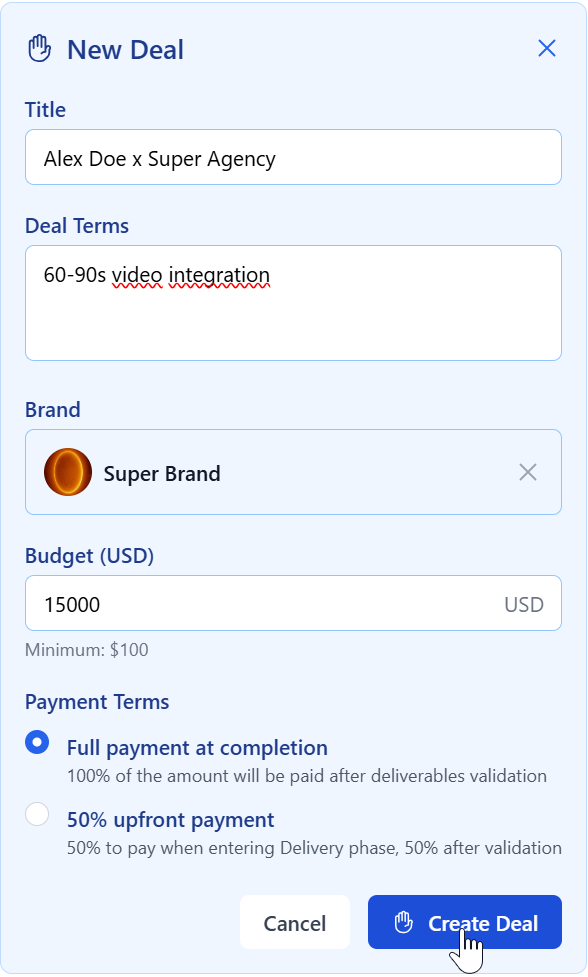
Ps: the brand must also be part of your network
Deal Phases
You are now in the Discovery phase
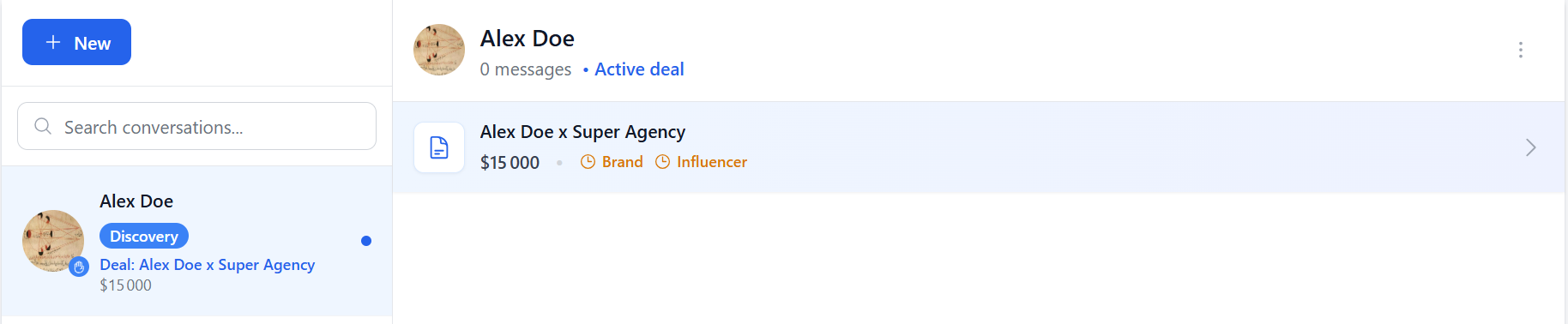
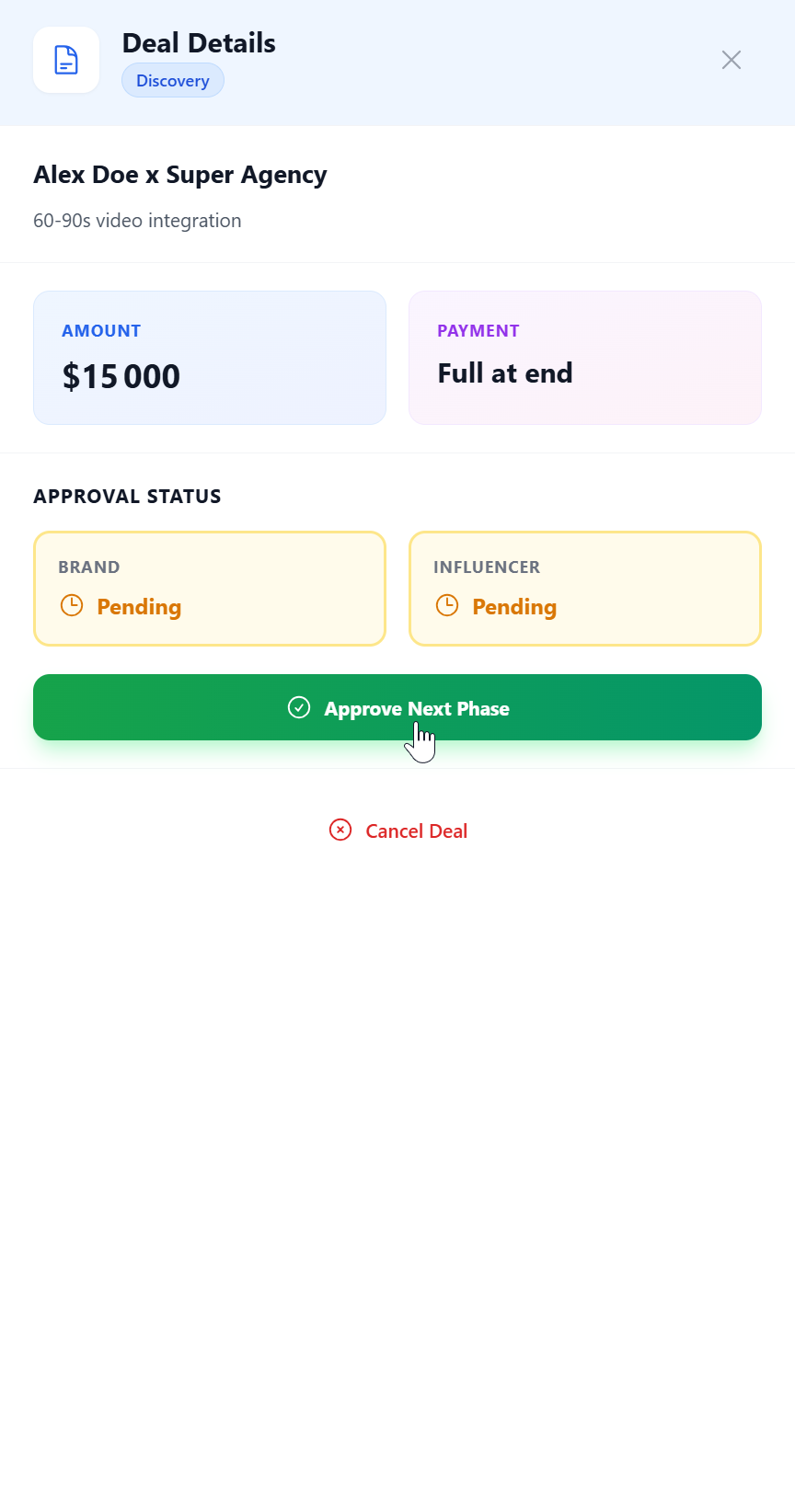
There are 5 phases: Discovery, Negotiation, Contract, Delivery and Payment Moving to the next phase requires mutual consent
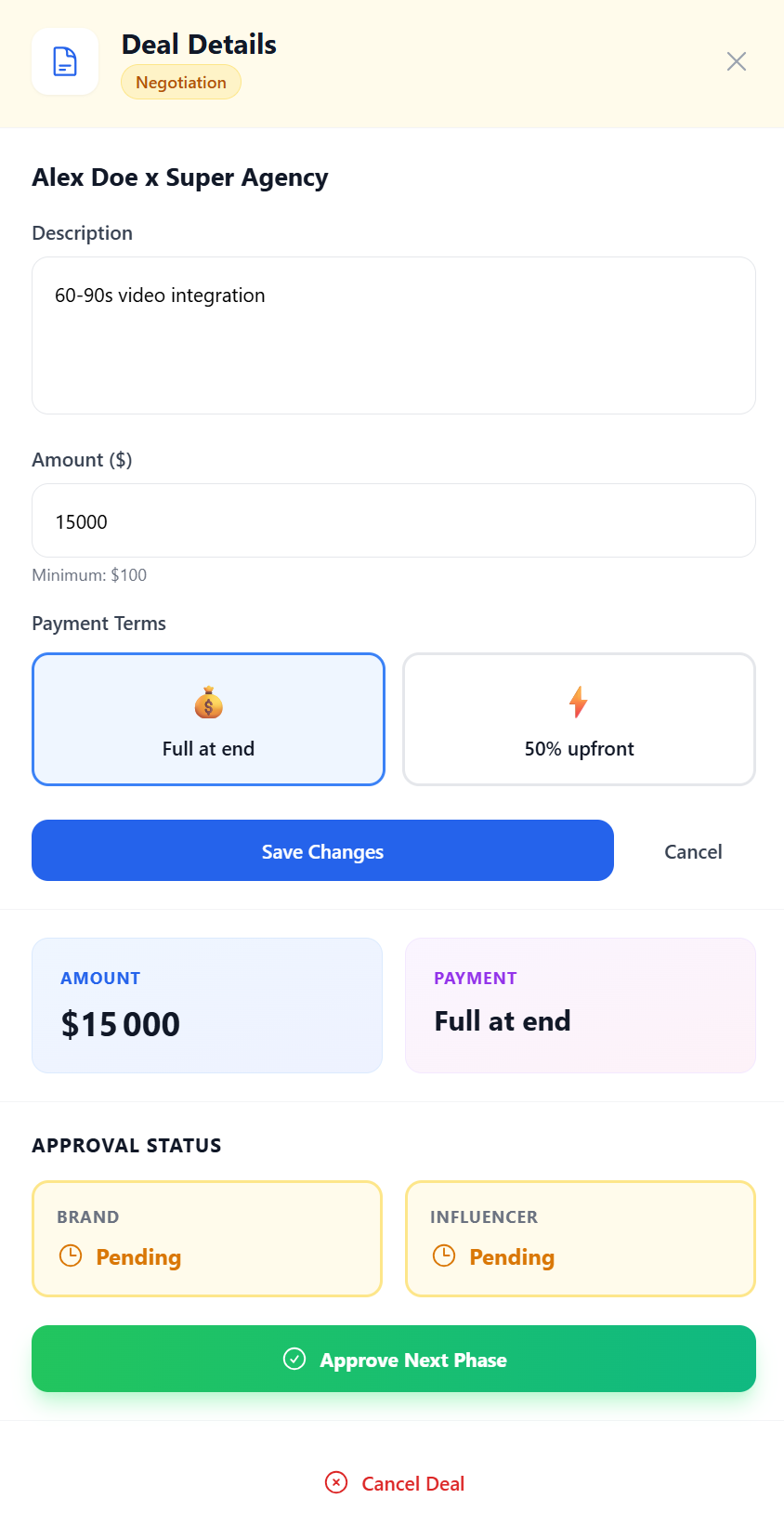
After that is done, you can freely modify the terms of the deal until you agree
Then move to the Contract phase
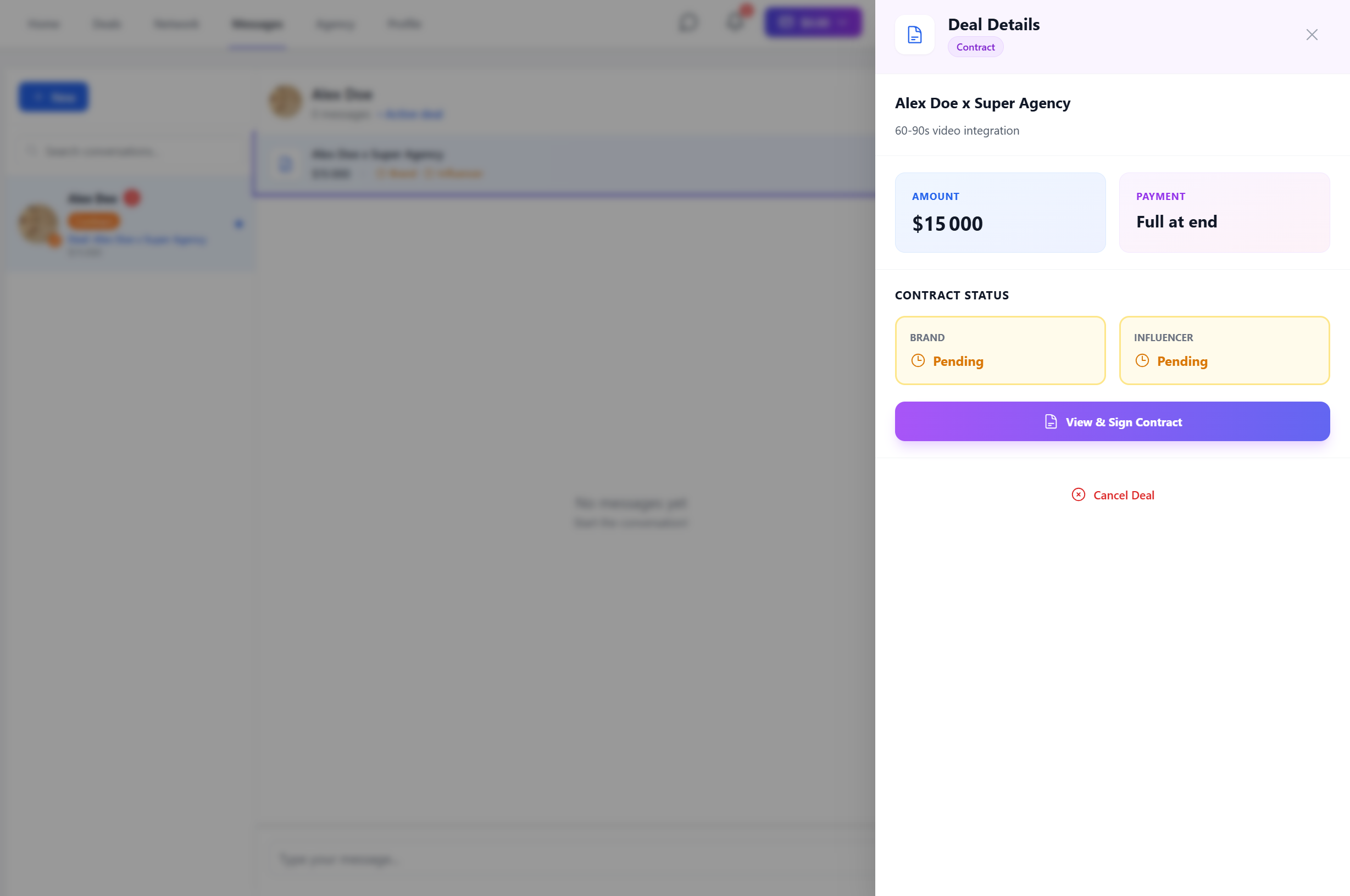
You can modify the contract indefinitely
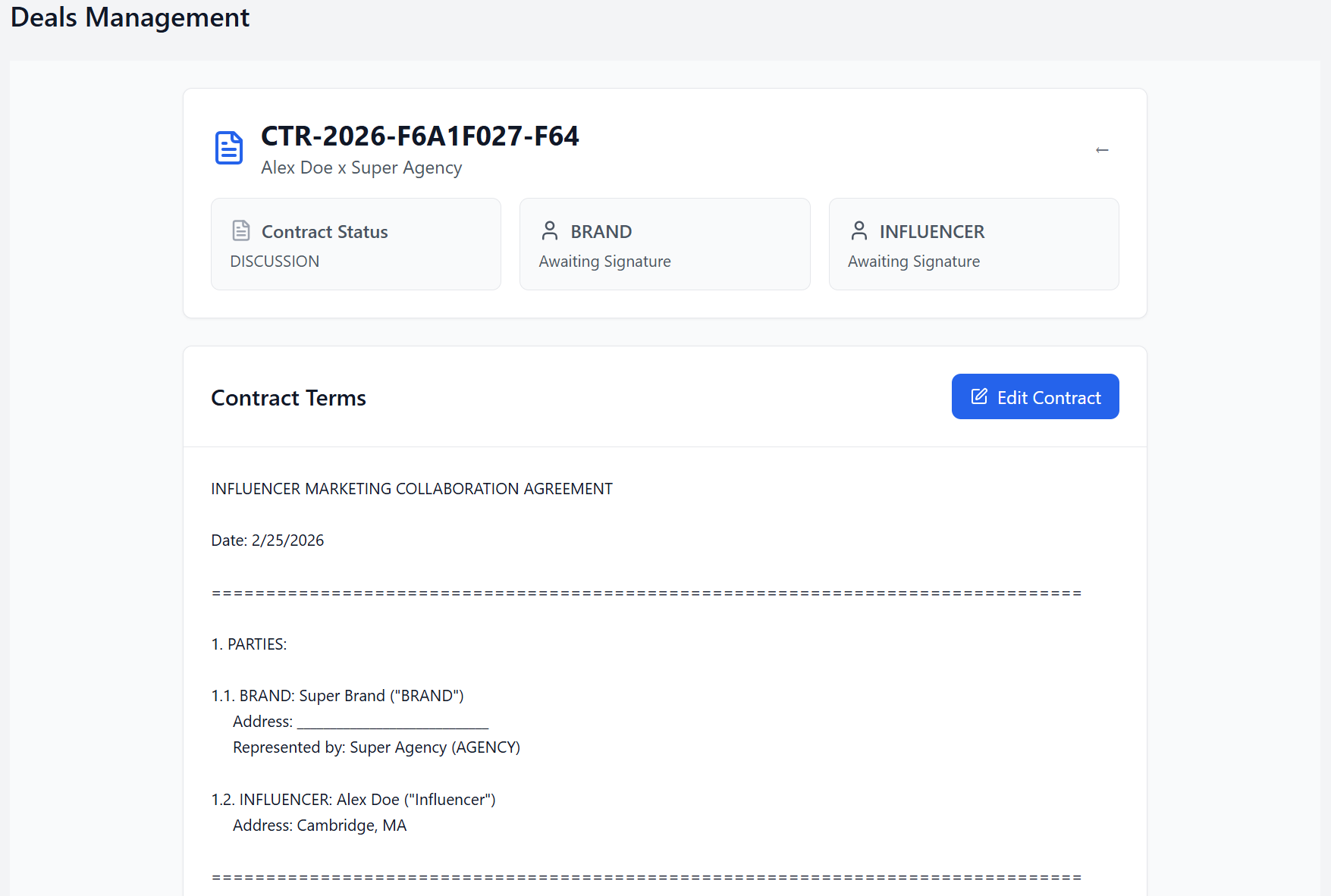
Added lines will appear in green for your contact, and removed lines in red

Before signing the contract, you must choose and draw a signature
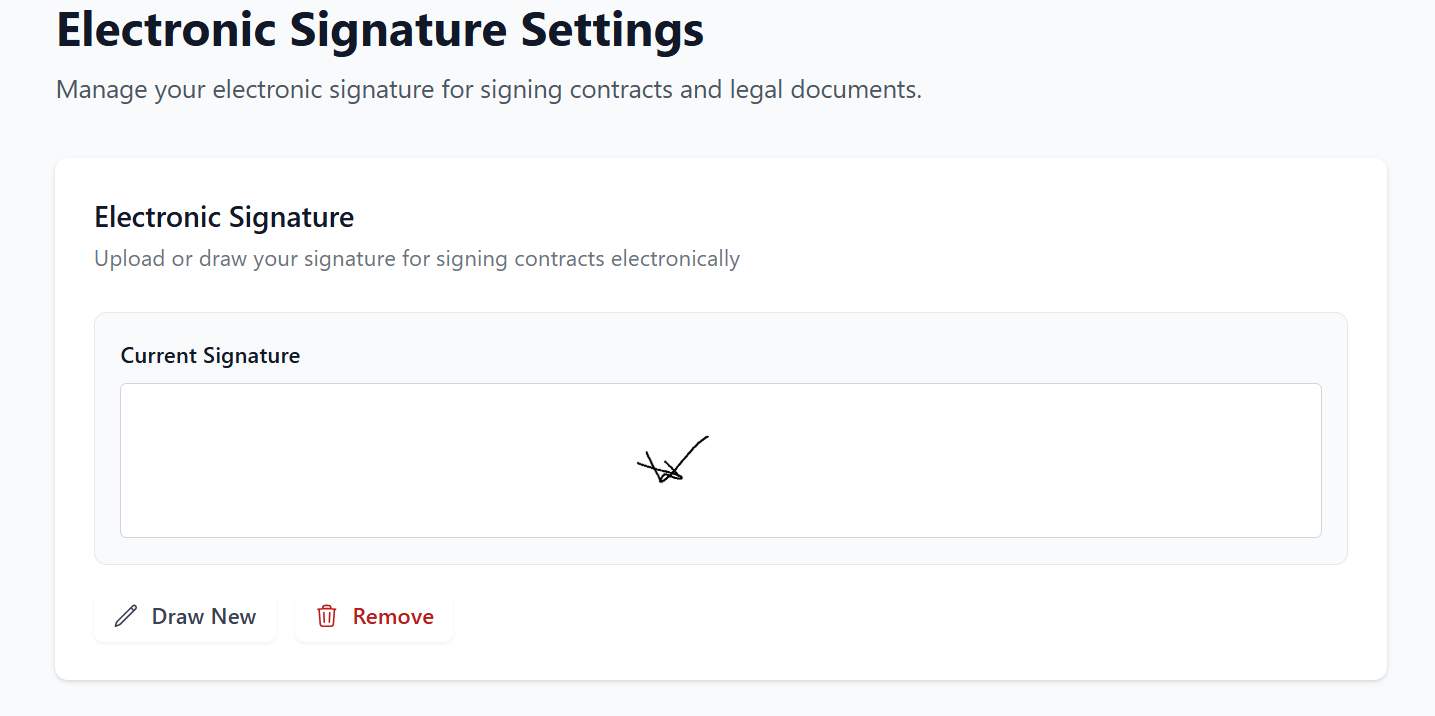
The signatures will be included on the downloadable PDF document after both parties have signed it.
Linked Deal
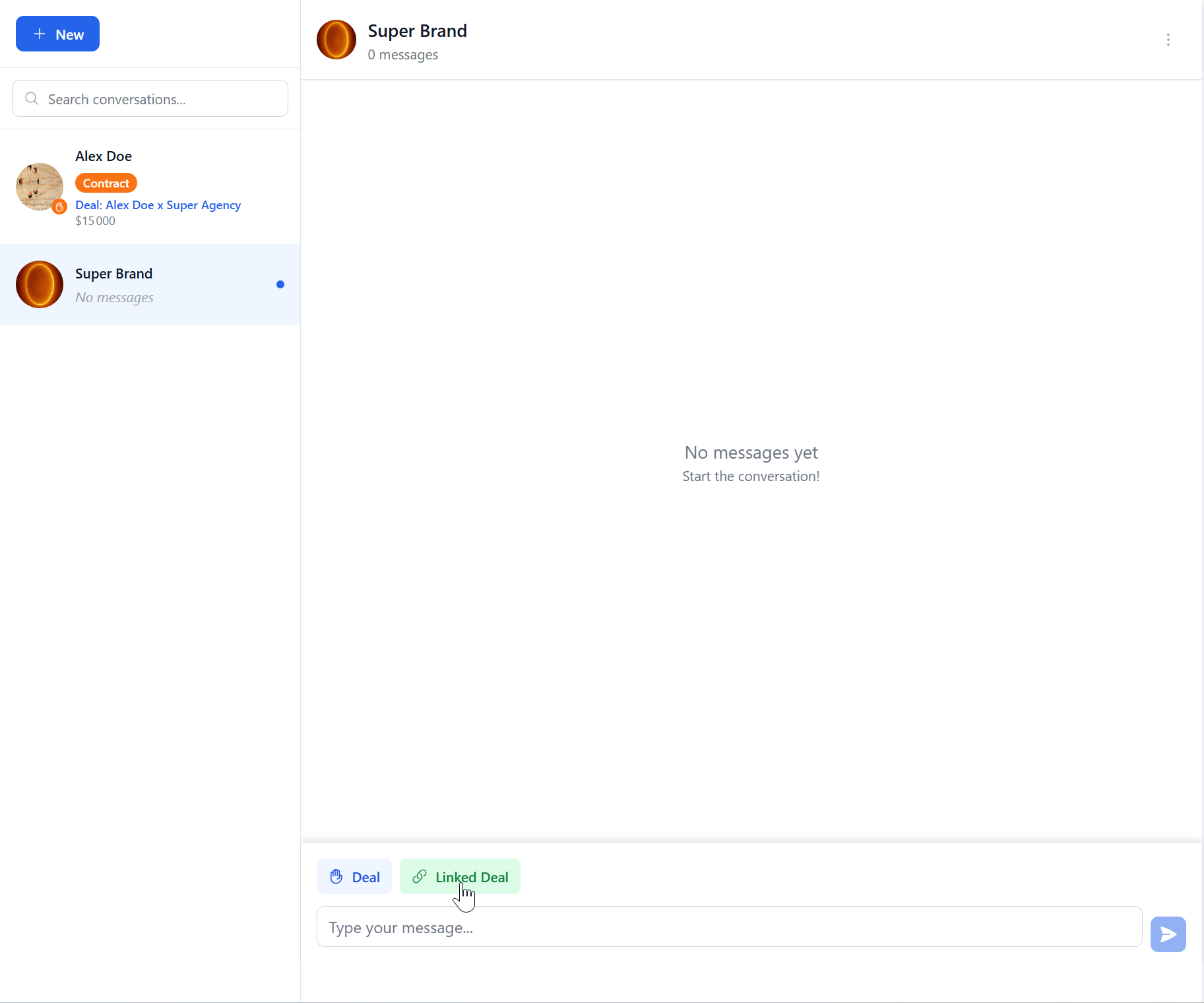
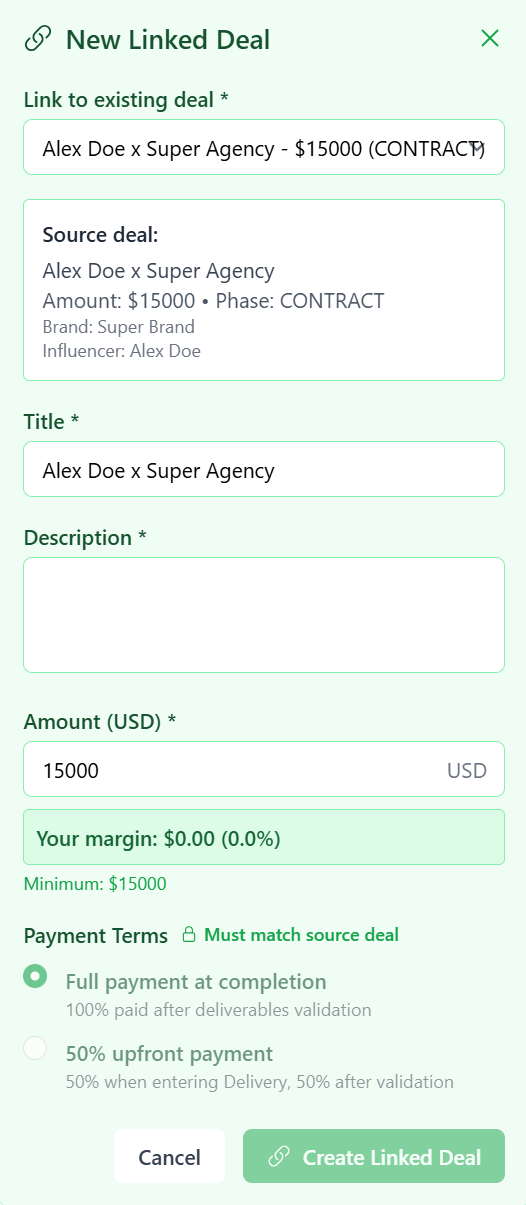
Before you can sign the contract, you will need to create a linked deal. As an agency, you act as an intermediary between the influencer and the brand. Therefore, in our case, you will need to create a linked deal with the brand, which will connect the two agreements. To do this, you will go to the conversation with the brand concerned by the first deal, then click on the 'Linked Deal' button
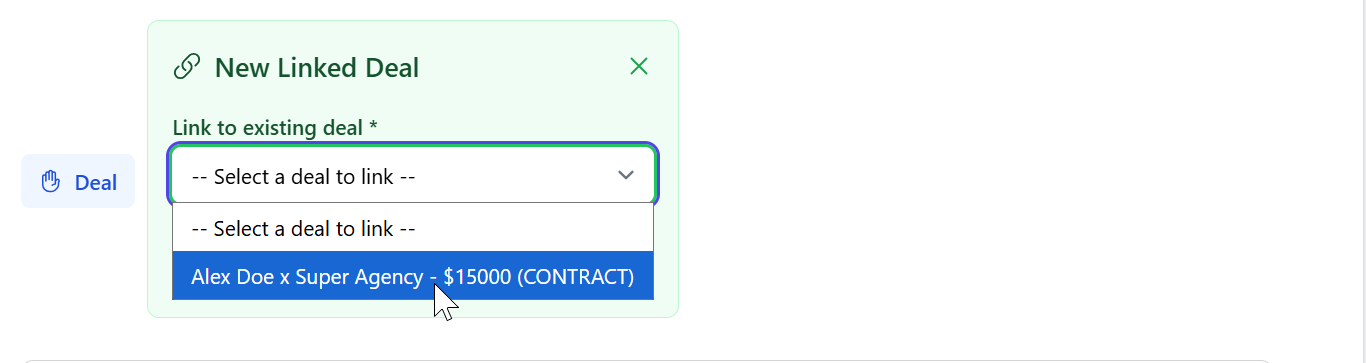
You will then need to choose the corresponding deal
Fill in the form
Then move the deal forward until its completion
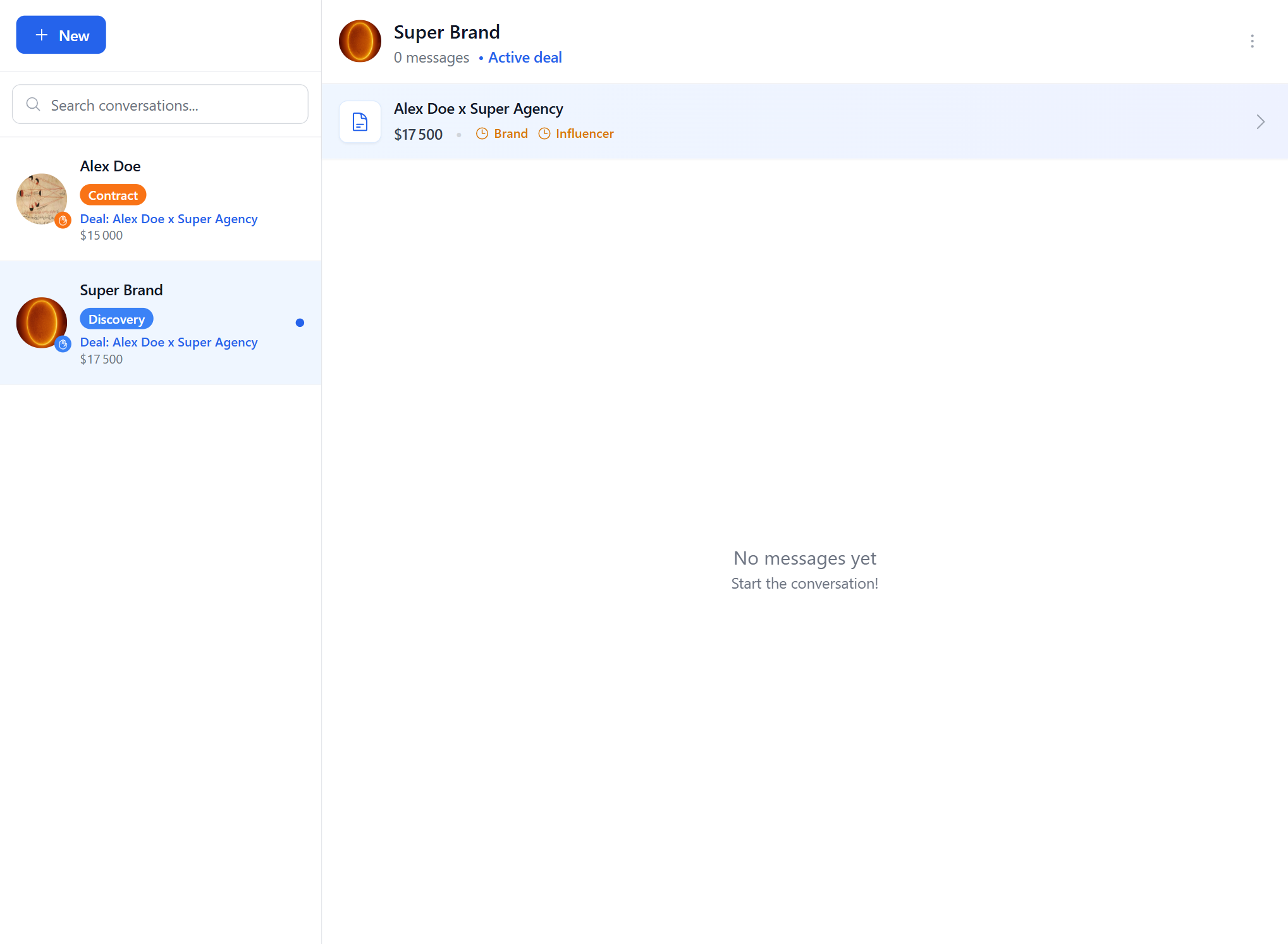
Deal Completion
After reaching the Delivery phase, you will need mutual consent to cancel the deal
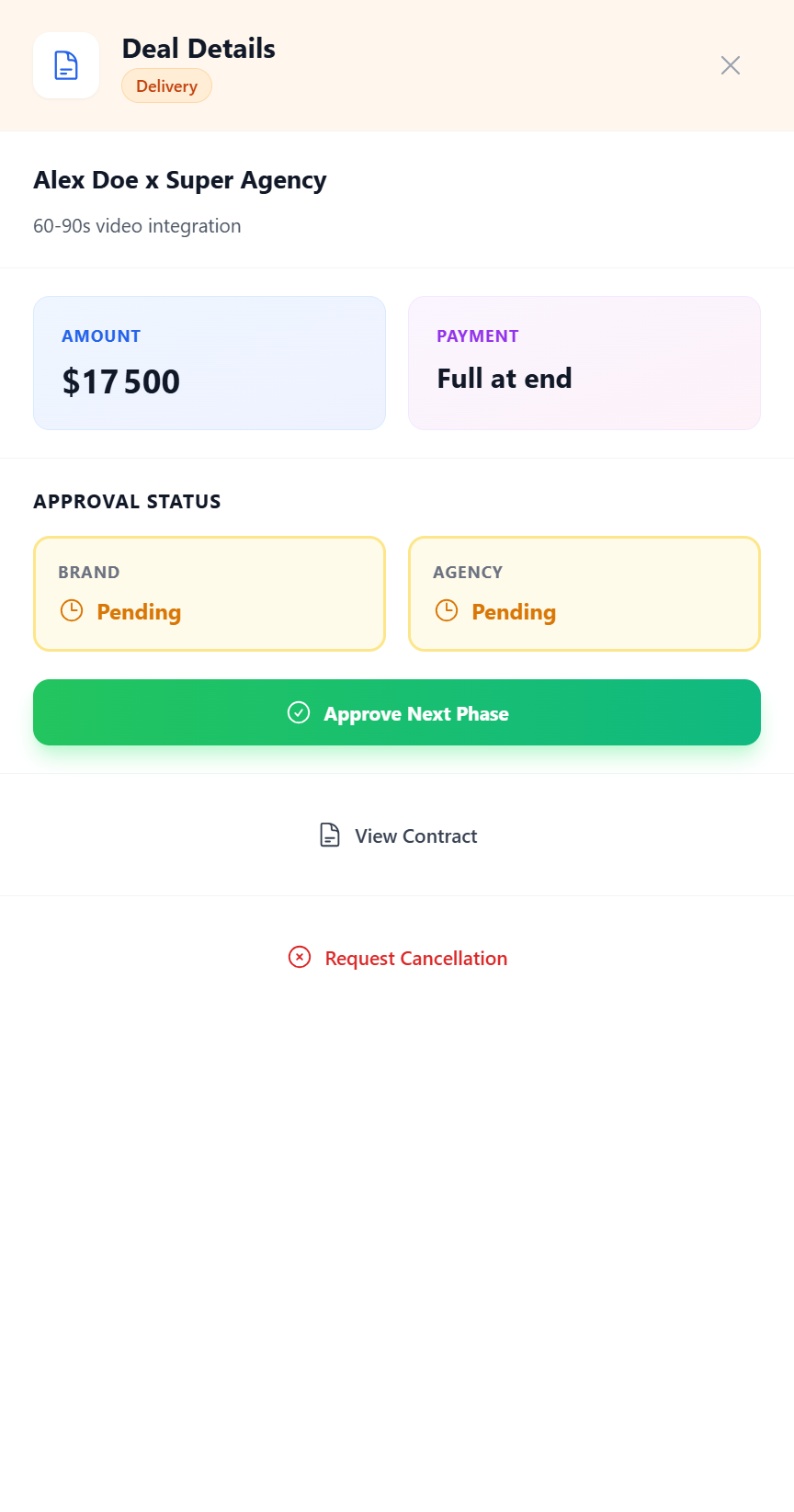
All you have to do now is move on to the final phase after the influencer has completed their mission
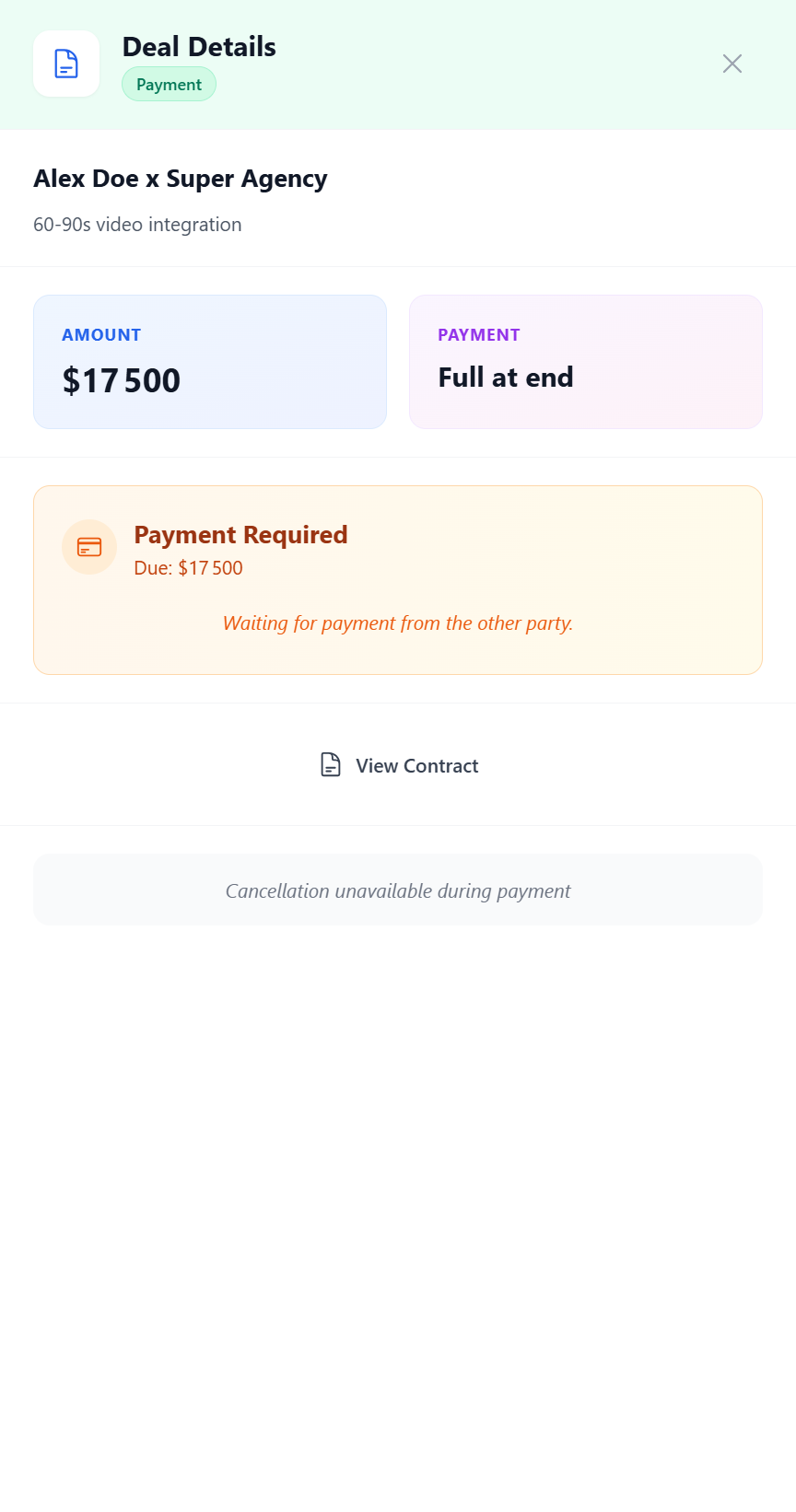
The payment distribution is done automatically; that is to say, you will not have to pay the influencer yourself
Congratulations, you have made your first deal!
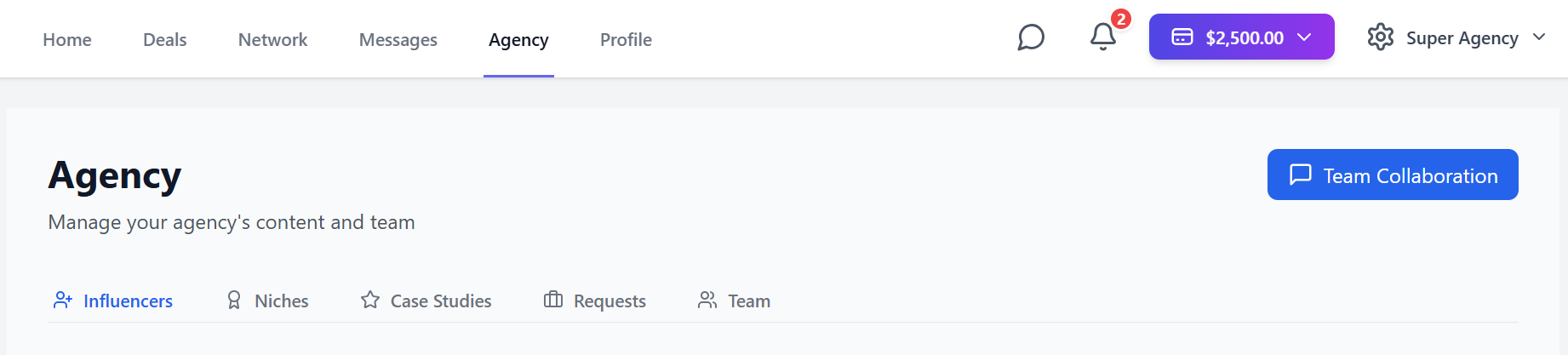
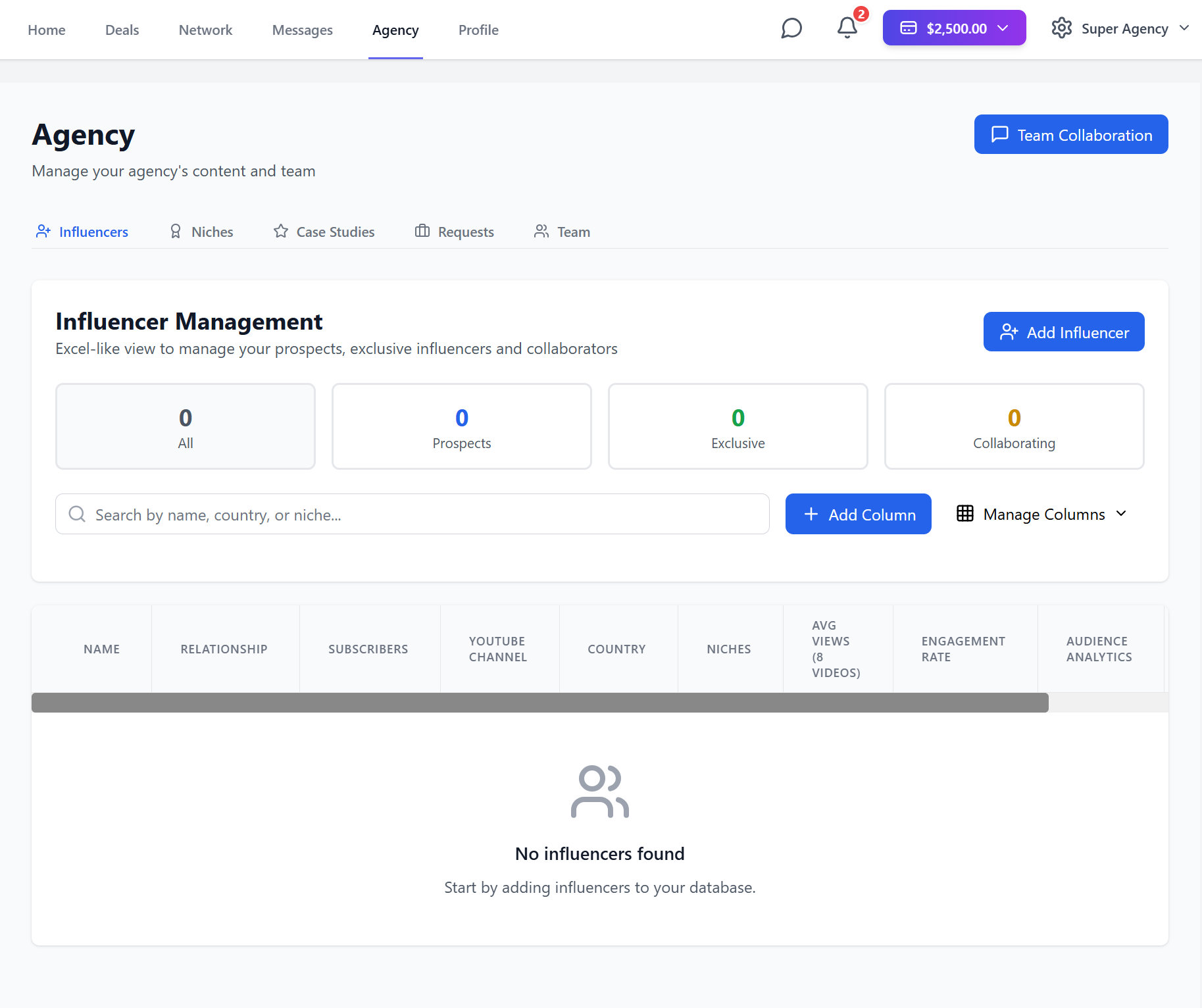
Agency
On your agency dashboard
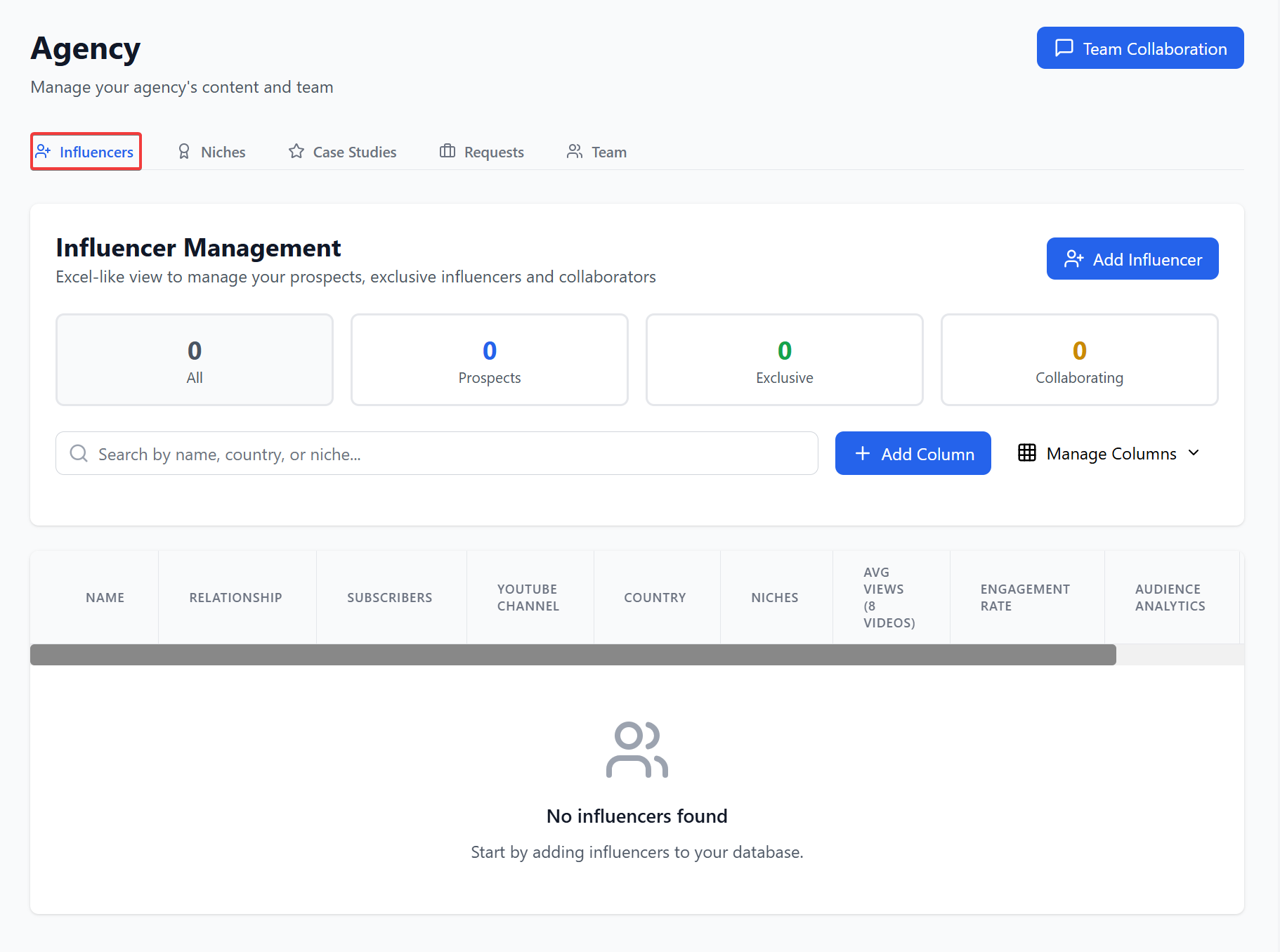
You can explore your influencers
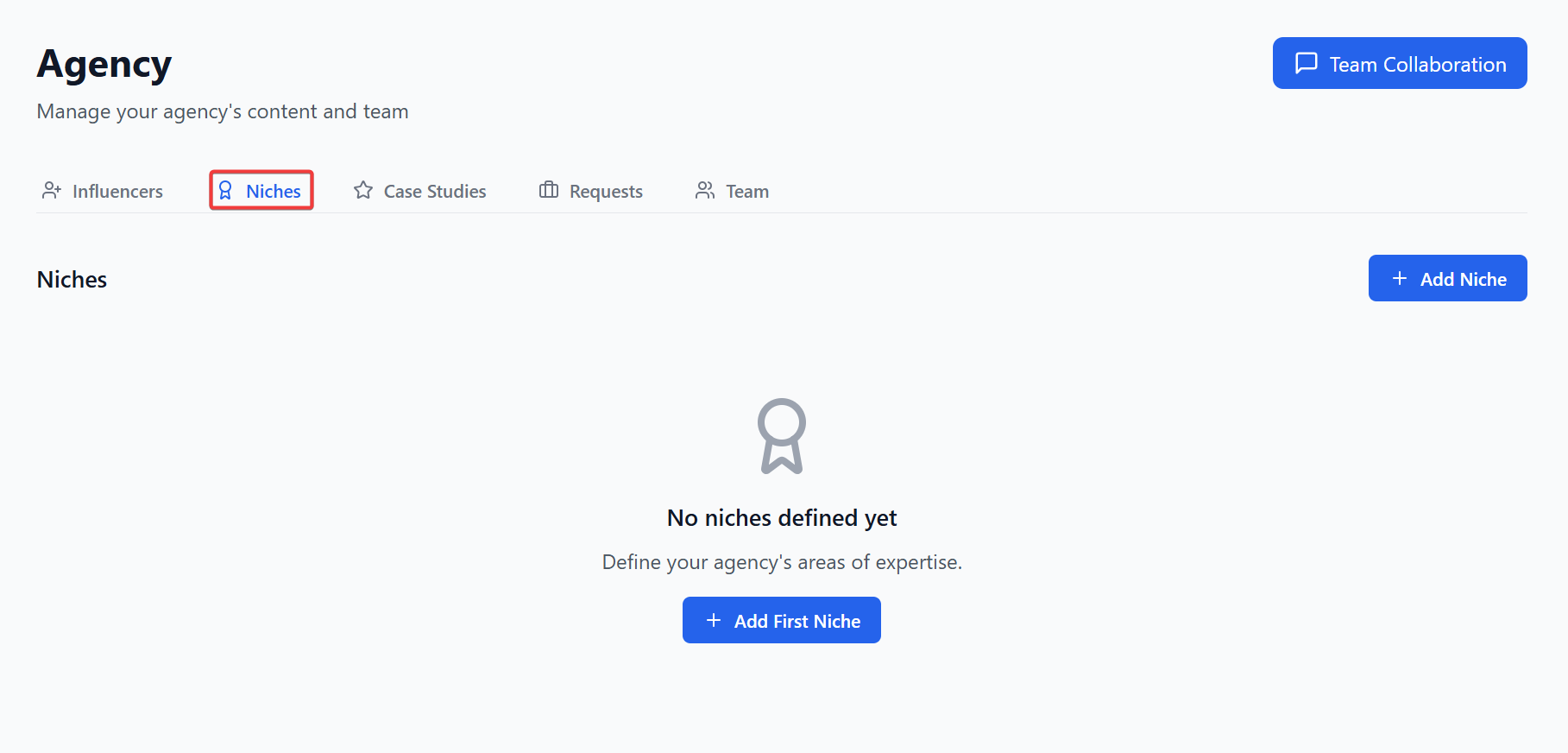
Define your niches
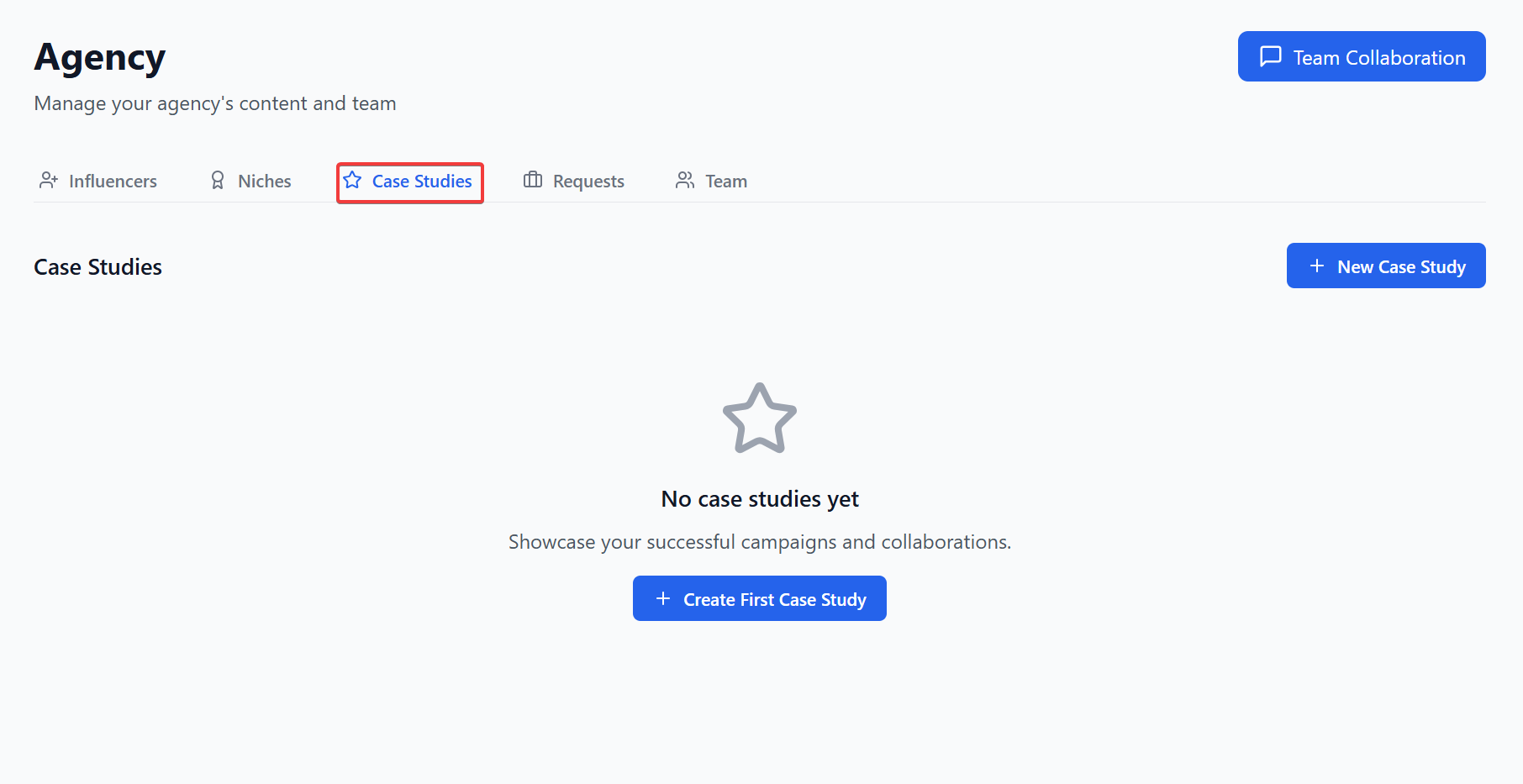
Create case studies
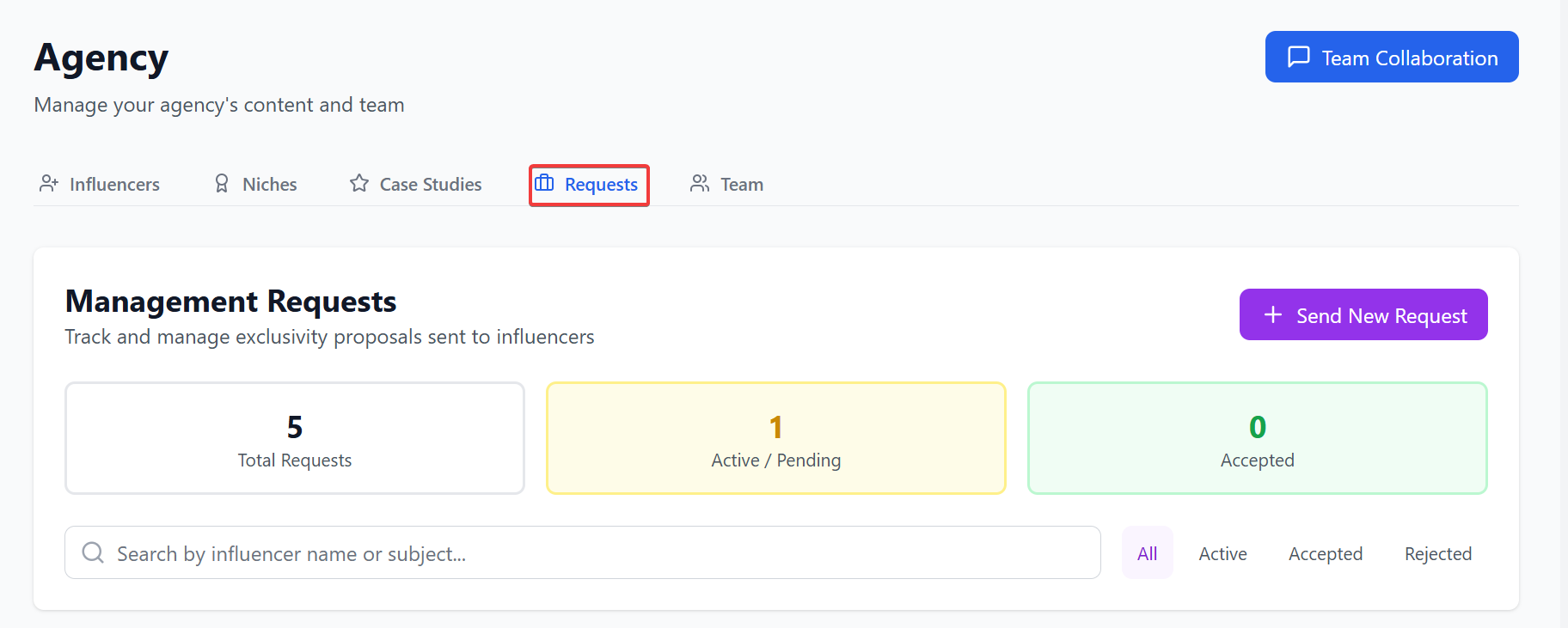
Send exclusivity requests
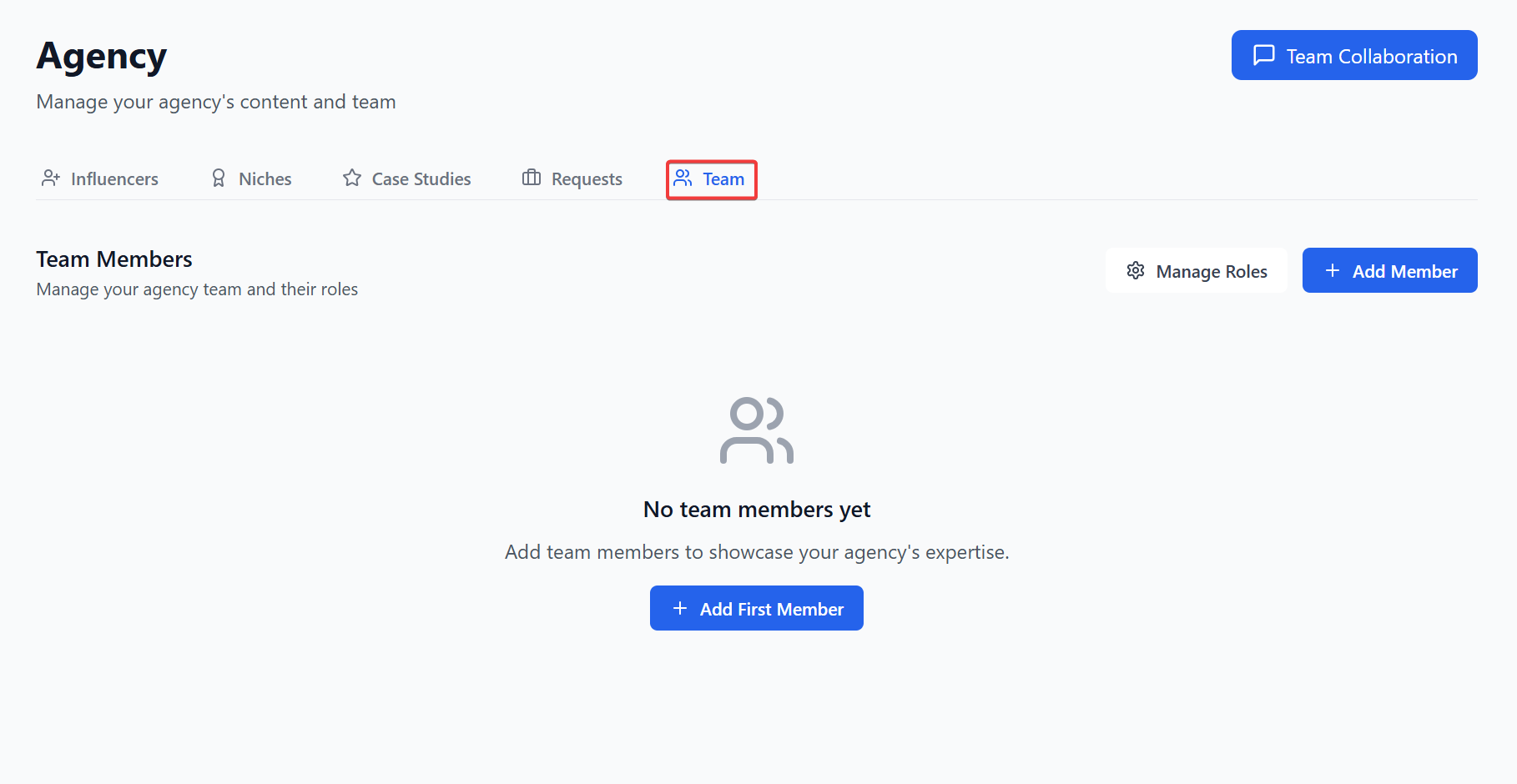
Add team members
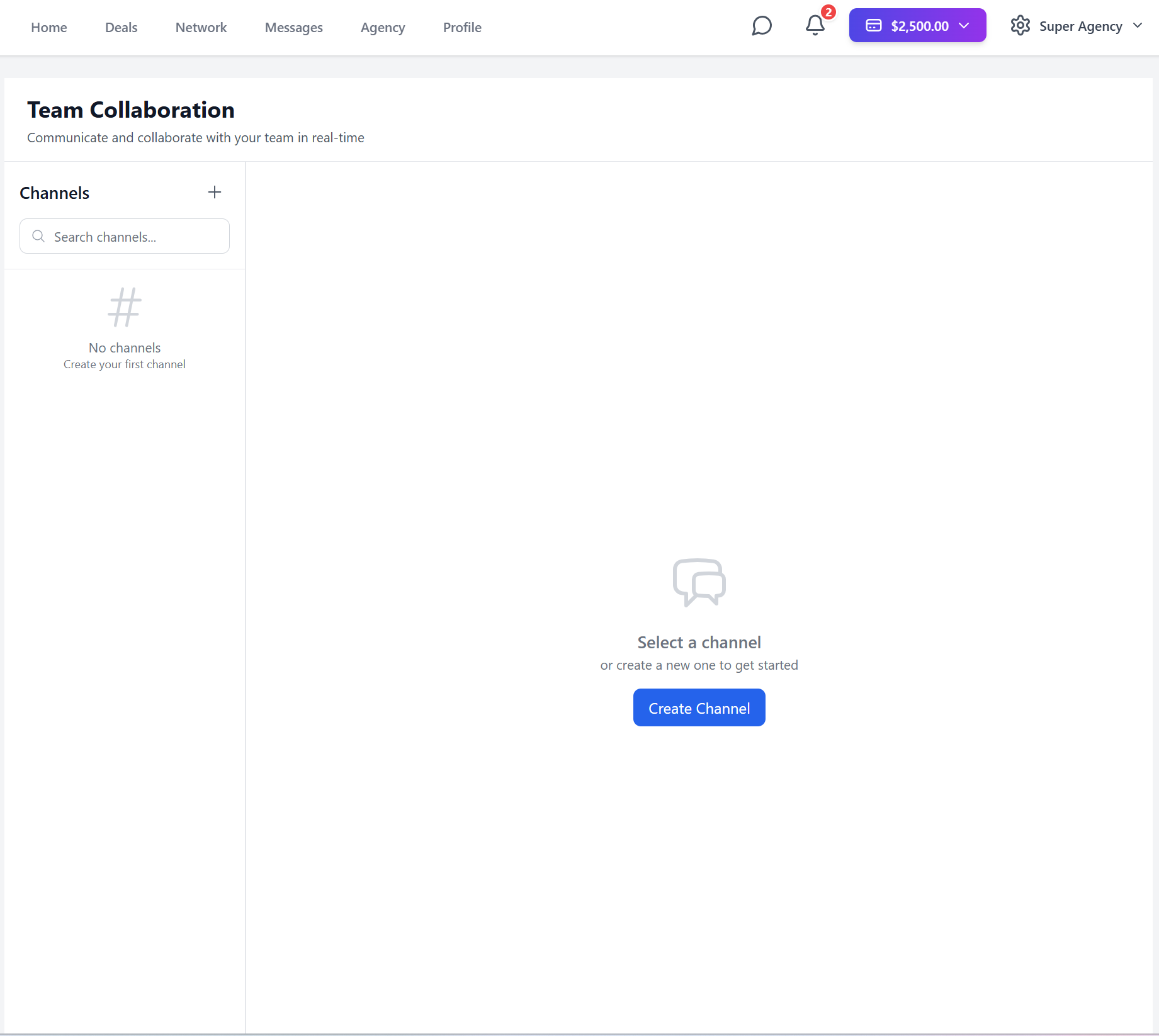
And communicate with your team

Overview
On the home page
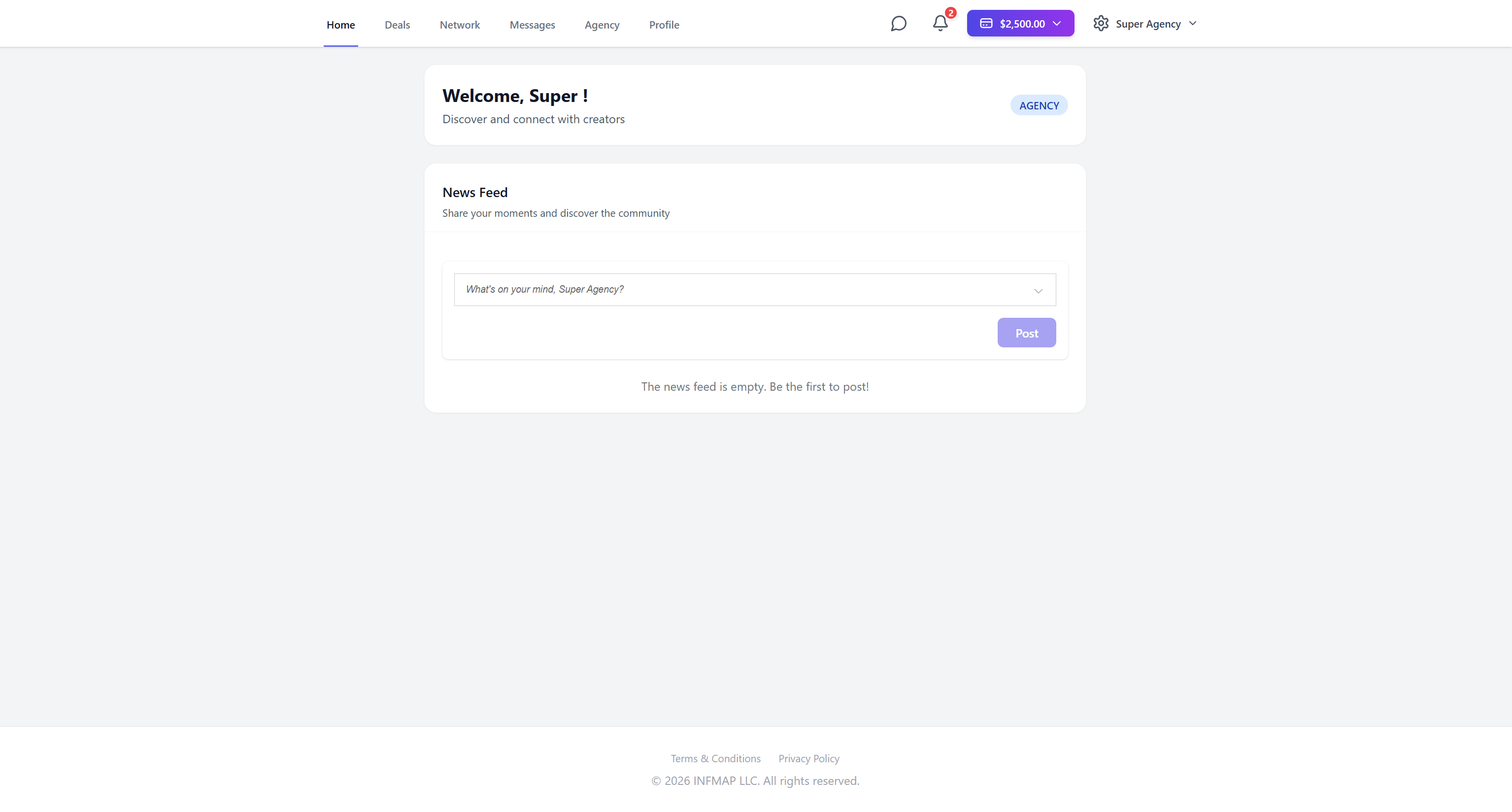
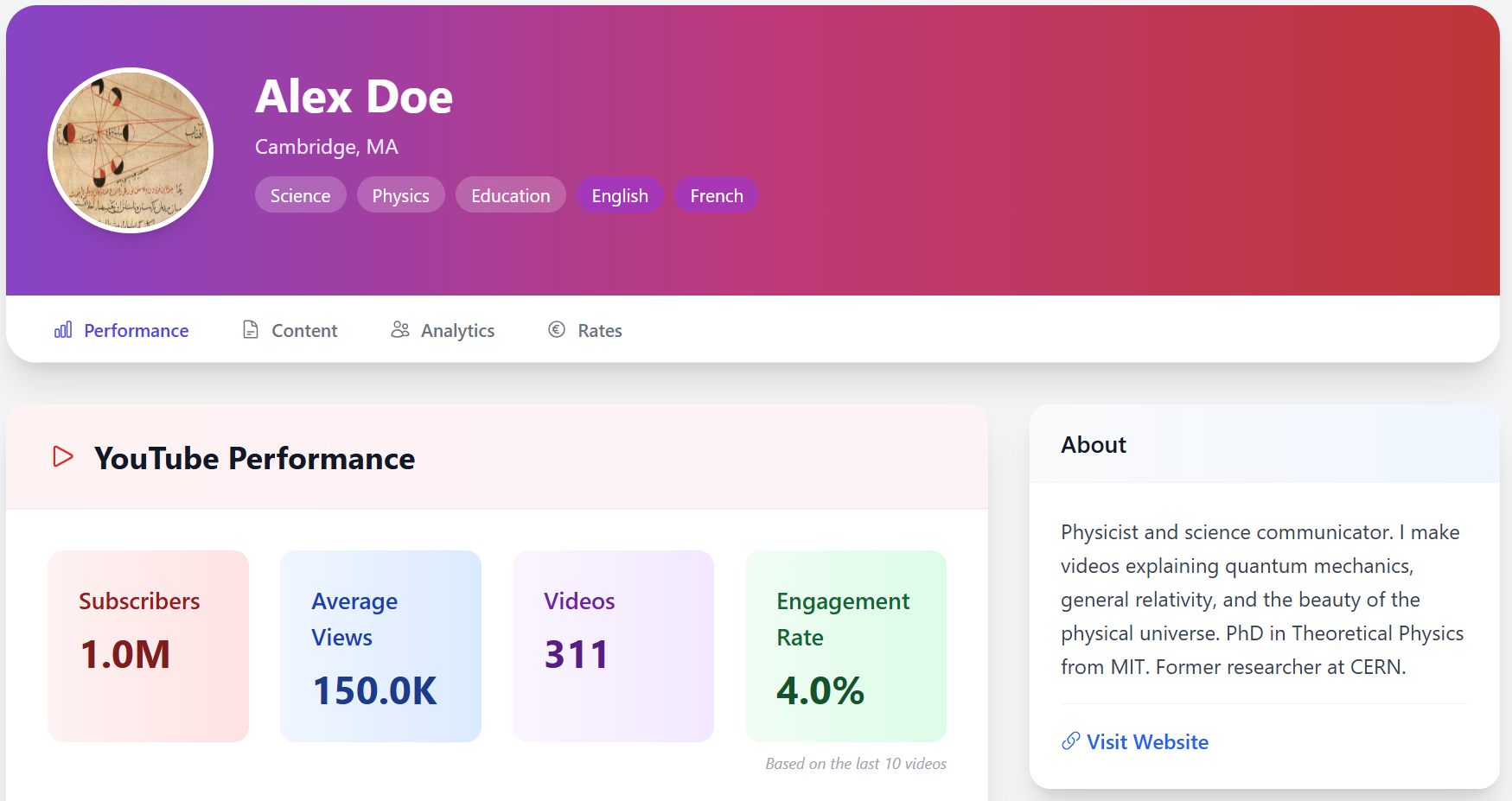
You can make posts to market your agency and view users' profiles

You can have access to additional features by clicking on the menu at the top right corner

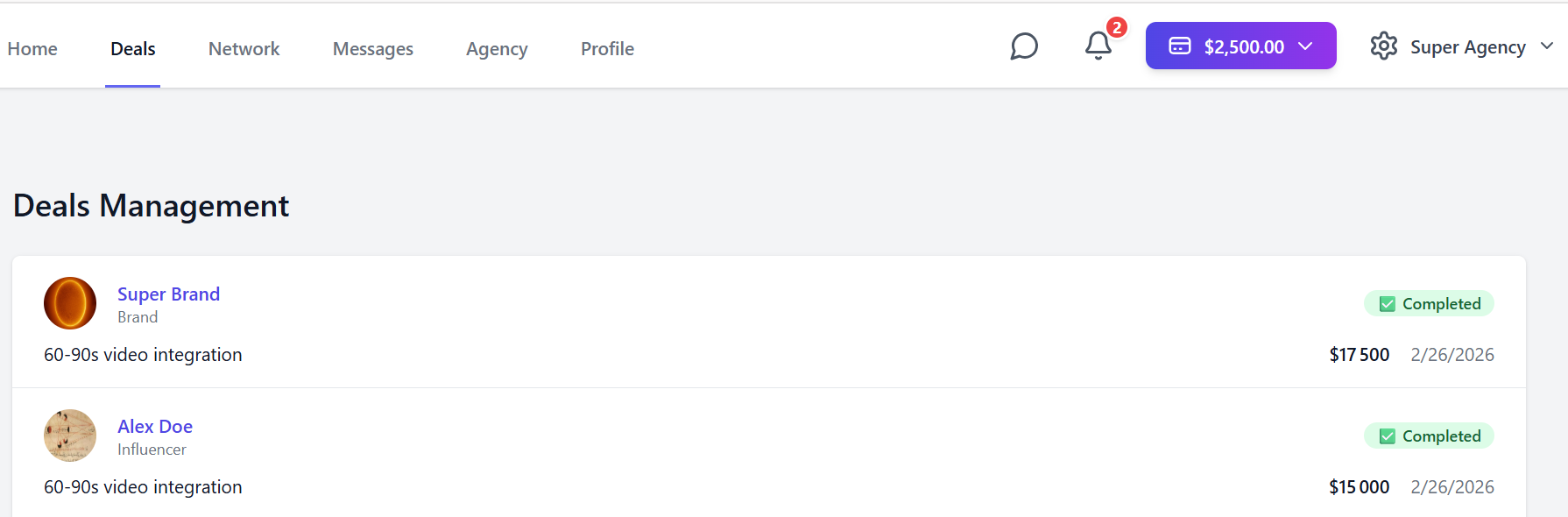
You can review and manage your deals on the Deals page
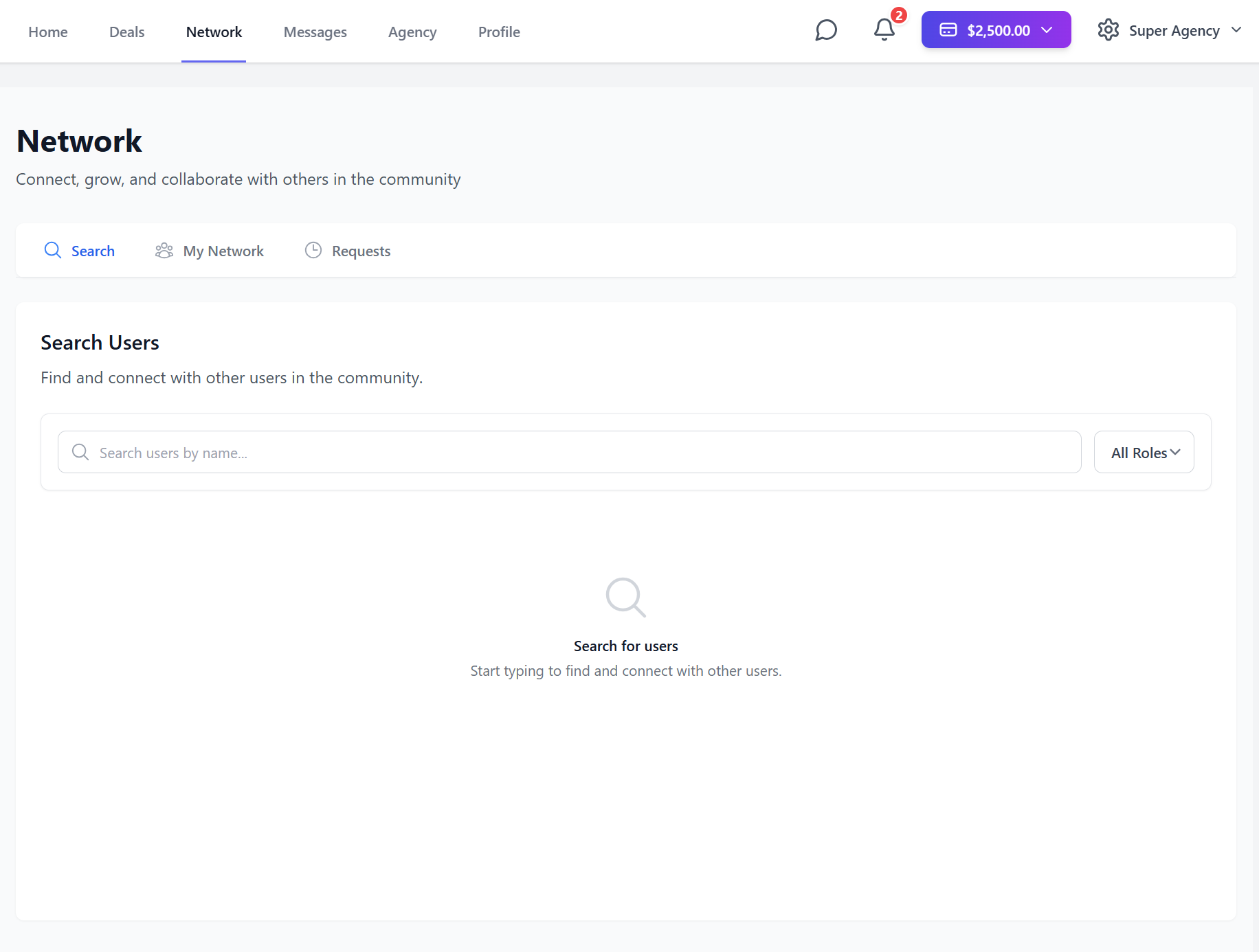
Look for and connect with people on the Network page
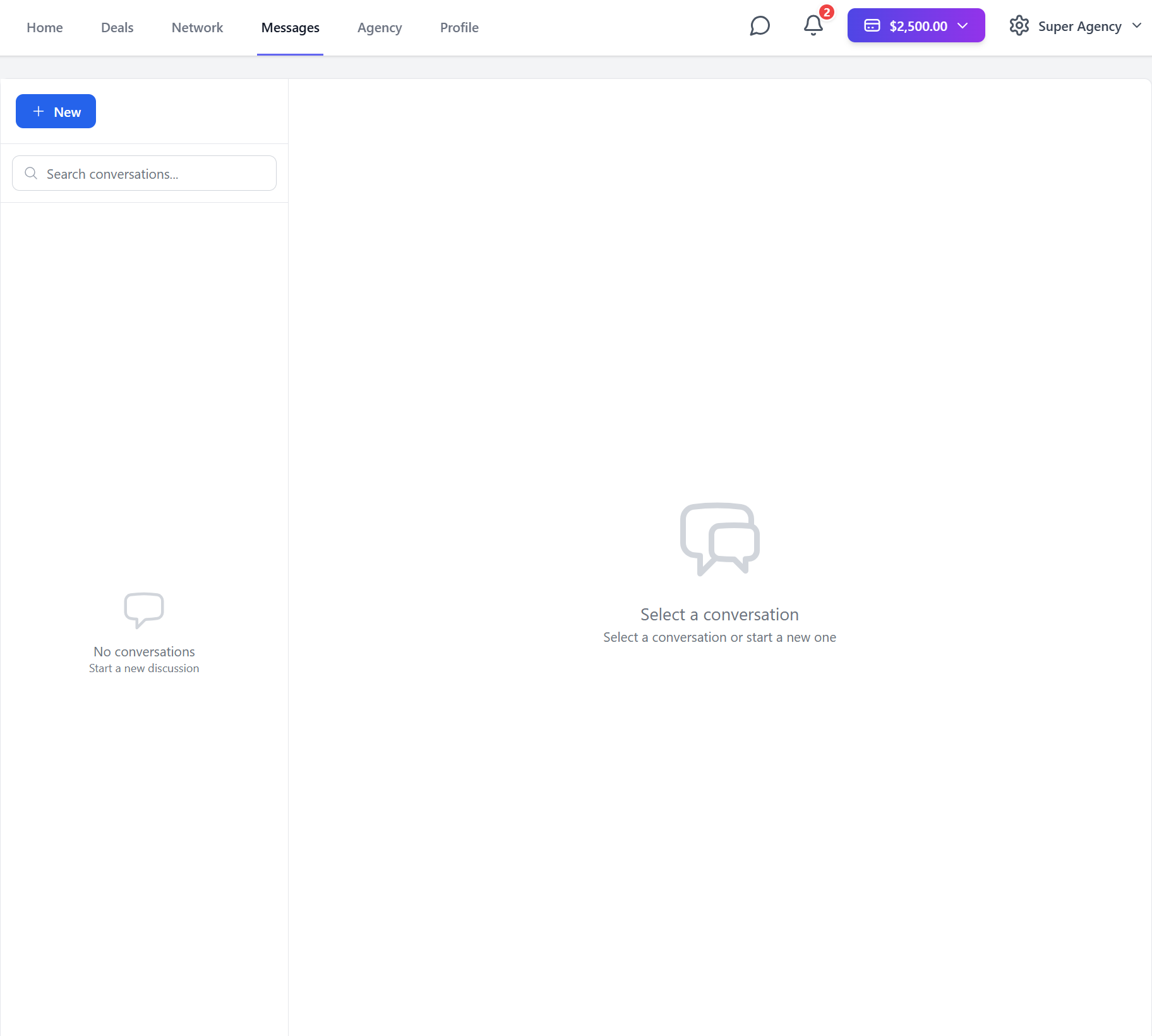
Text and make deals on the Messages page
Manage your agency on the Agency page
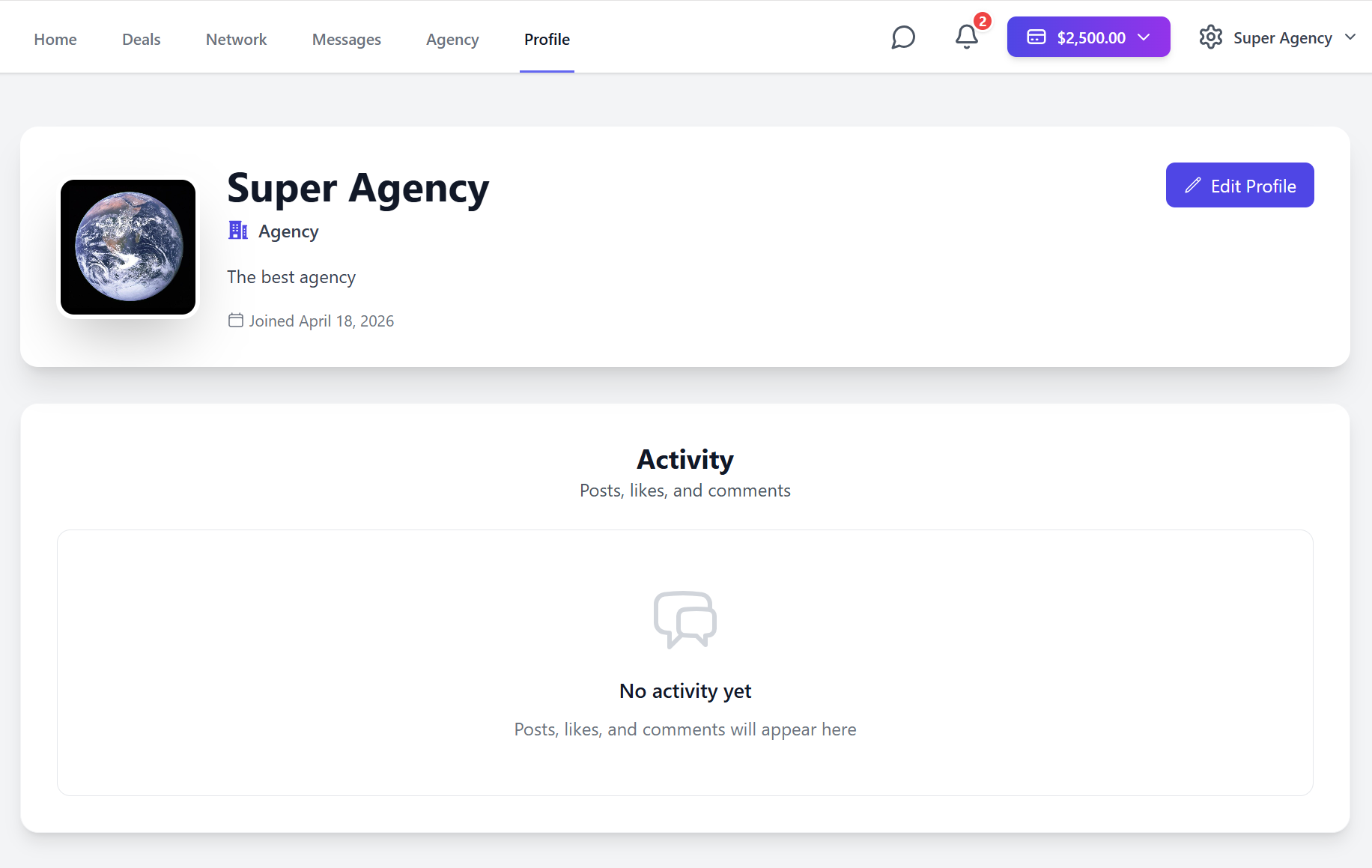
And finally edit your profile on the Profile page
So what are you waiting for ?
See you inside !
No credit card required • 14-day free trial • Cancel anytime